


More reach. More reservations. Zero double bookings.




The Airbnb Pro Photo Program
Last updated
June 22, 2026
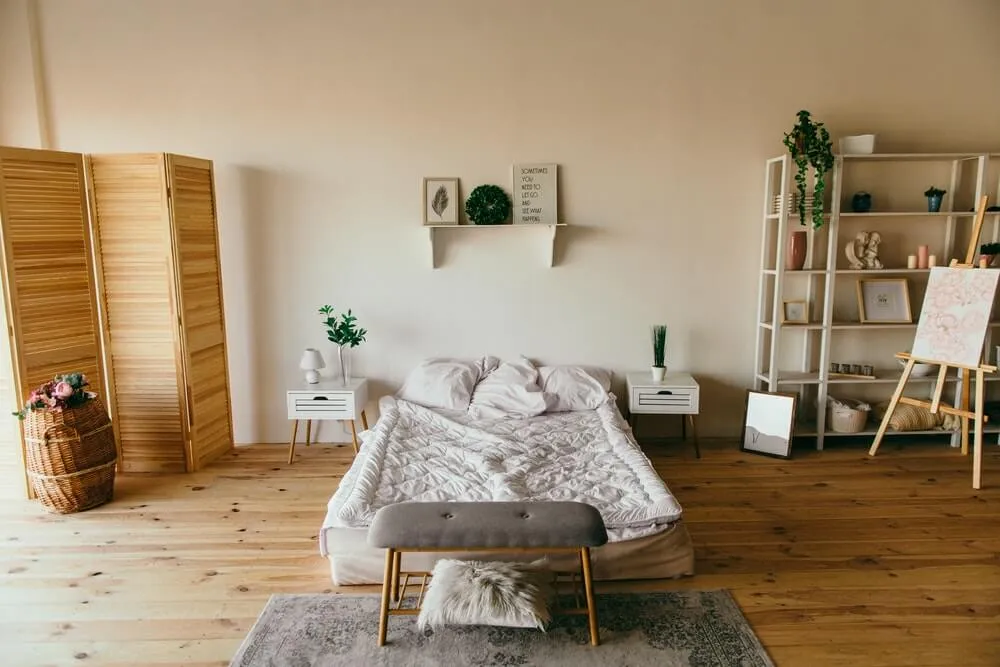

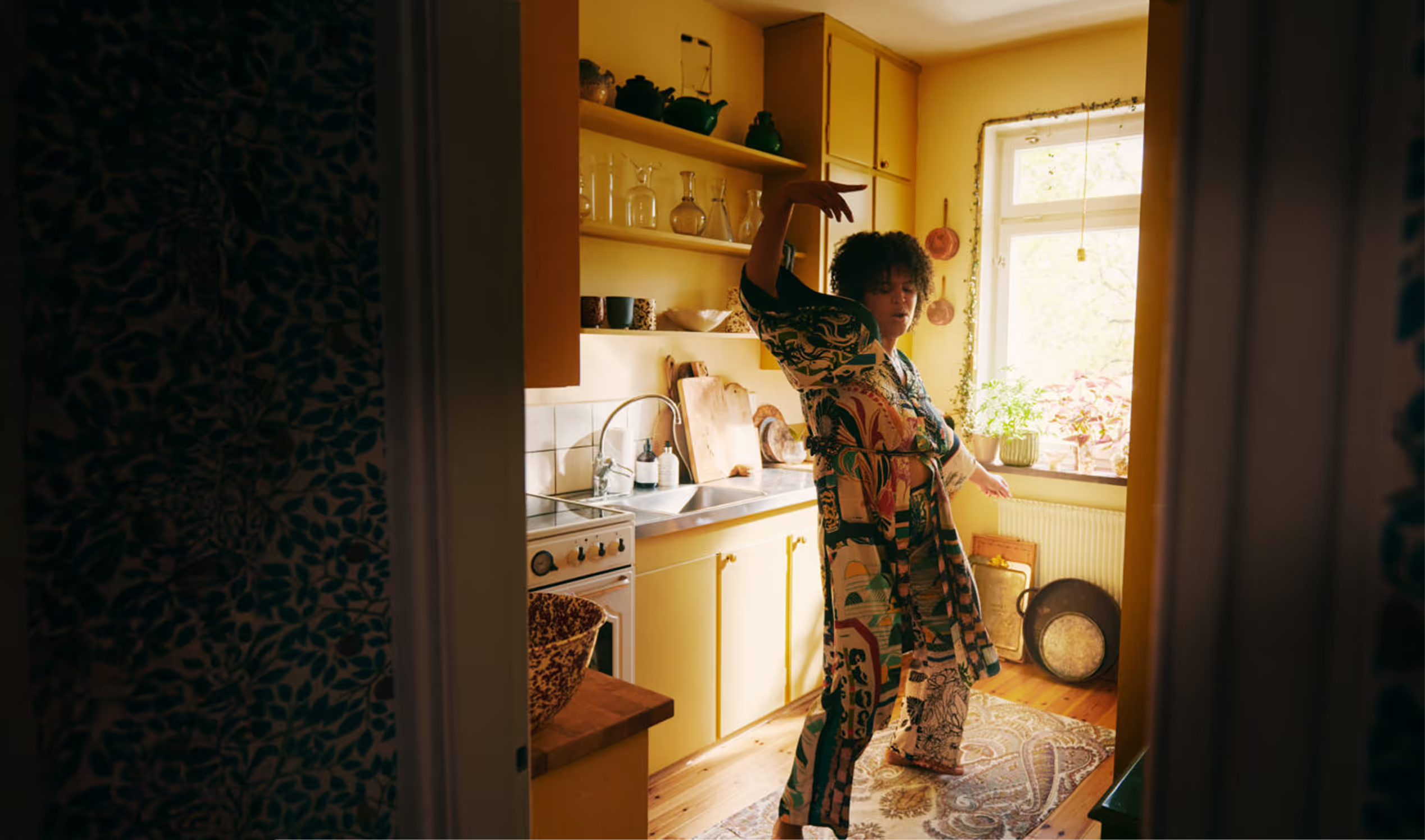
For vacation rental owners, the importance of high-quality photos cannot be overstated. Appealing visuals are essential for attracting guests and making your property stand out. As a result, Airbnb has created the Airbnb Pro Photo Program.
This service is designed to make professional photography accessible to hosts. With programs like Airbnb’s, hosts can rest assured that their listings are presented in the best possible light.
Disclaimer: Lodgify is an Airbnb Preferred+ Software Partner. This guide, including any claims or statements within, is solely from Lodgify and is not endorsed by, directly affiliated with, authorized, or sponsored by Airbnb in any way.
Don't see the form to download our Airbnb rental agreement? Click here.
What is the Airbnb Pro Photo Program?
The Airbnb Pro Photo Program is a service provided by Airbnb to help hosts elevate the visual appeal of their listings through professional-grade photography. Here’s what makes this program an excellent option for Airbnb hosts:
- Professional photographers: Airbnb works with a network of vetted and skilled photographers who understand how to make properties look inviting and impressive.
- Customized for your listing: These photographers collaborate with hosts to highlight the best features of the property.
- Enhanced listings drive bookings: High-quality photos often lead to increased visibility in search results. Properties with professional photography typically perform better and receive more bookings.
FAQs about Airbnb's Pro Photo Program
How much does the Airbnb Pro Photo Program cost?
Hosts don't pay anything upfront. Instead, the costs of the photography session will be deducted from future payouts.
How can hosts book a session with an Airbnb Pro Photo Program photographer?
Airbnb makes it simple to book a photography session. Hosts can request the service directly through their account.
How many photos will hosts receive from the Airbnb Pro Photo Program?
Hosts can expect to receive anywhere from 15 to 25 high-quality photos. These photos are retouched to match the Airbnb brand style and will be automatically applied to your listing in about one week's time from the photoshoot.
What if I want to take my own photos?
That's completely fine! Airbnb offers some great resources for taking your own photos.
General tips for Airbnb photography
Whether you're using a professional photographer or taking your own photos, following a few key tips can ensure your listing stands out.
Highlight the property's best features
- Focus on capturing the most appealing aspects of your rental. This may include spacious rooms, modern kitchens, outdoor areas, or other unique design elements.
- Take photos of each room that guests will use and ensure no major spaces are left out.
- Include outdoor photos, but only if the exterior looks nice.
Use proper equipment
- You don’t need expensive camera gear. A good-quality smartphone with a decent camera is often sufficient.
- Ensure your photographs are clear and sharp. Blurry or low-quality images can be a turn-off.
Choose the right format and dimensions
- Always take photos in landscape orientation rather than vertical. Landscape photos fit better on the Airbnb platform and offer a better sense of space.
- Use a resolution of at least 1024×683 pixels to ensure the images look professional and inviting.
Prepare and stage the space
- Clean the property before taking any photos. Remove clutter, tidy the space, and create a welcoming environment.
- Consider staging spaces with decorative touches like fresh flowers, neatly arranged pillows, or a set dining table to enhance the aesthetic appeal.
Focus on lighting
- Natural light improves the quality and appeal of photos. Take pictures during the day when the rooms are bright with sunlight.
- Open curtains and blinds to highlight available natural light.
Avoid common mistakes
- Don’t overcrowd the listing with too many photos. Focus on quality over quantity.
- Ensure the photos you upload are not too small or pixelated. Clear, detailed images help guests visualize the property.
Organize photos thoughtfully
- Upload photos in sequential order, guiding potential guests through your space in a logical and visually appealing way.
- Start with your most eye-catching photo to make a strong first impression. This could be a well staged living room, a view of outdoor seating areas, or an amenity like a pool.
Don't see the form to download our Airbnb rental agreement? Click here.