


More reach. More reservations. Zero double bookings.








Task management


Cut the busywork with task management for vacation rentals
Tired of chasing cleaners through group chats? Our vacation rental task management software keeps your team aligned and every turnover on track. Assign tasks, require photo proof and know exactly what's done across all your properties.
Trusted by thousands of hosts
Hosts managing everything from one beach house to entire portfolios rely on Lodgify to keep operations running smoothly.



3,400+ reviews

3,400+ reviews
1200+ reviews
3,400+ reviews

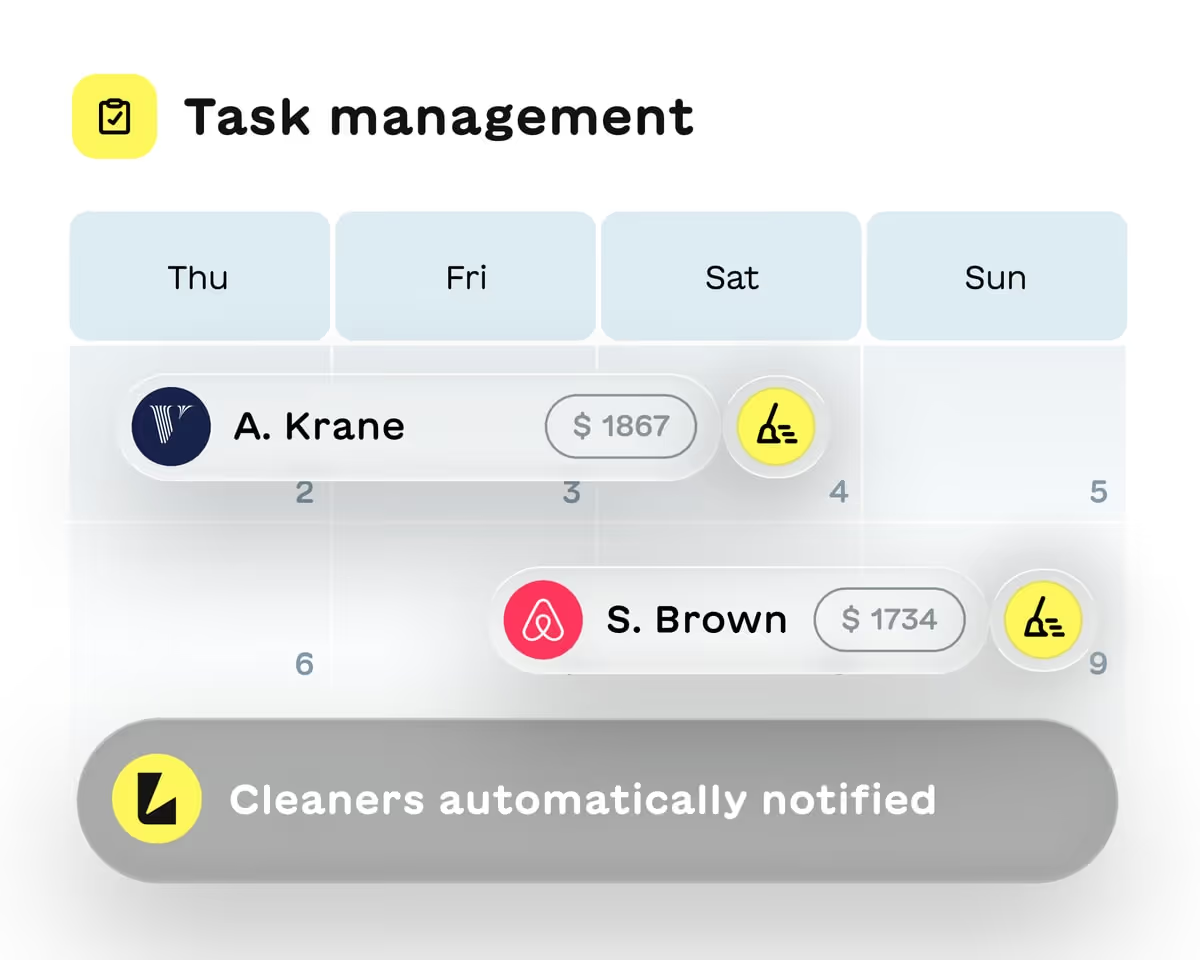
Task management that runs itself
Stop juggling spreadsheets and sticky notes. Create tasks that trigger automatically around check-ins and checkouts so nothing falls through the cracks.

Auto-scheduled tasks
Set up recurring tasks like turnover cleanings that generate automatically after each checkout. Link them to specific rentals and let the system handle the rest.

One-time tasks for special requests
Need a maintenance visit or a last-minute restock? Create individual tasks for specific dates and assign them to the right team member instantly.
Keep your whole team on the same page
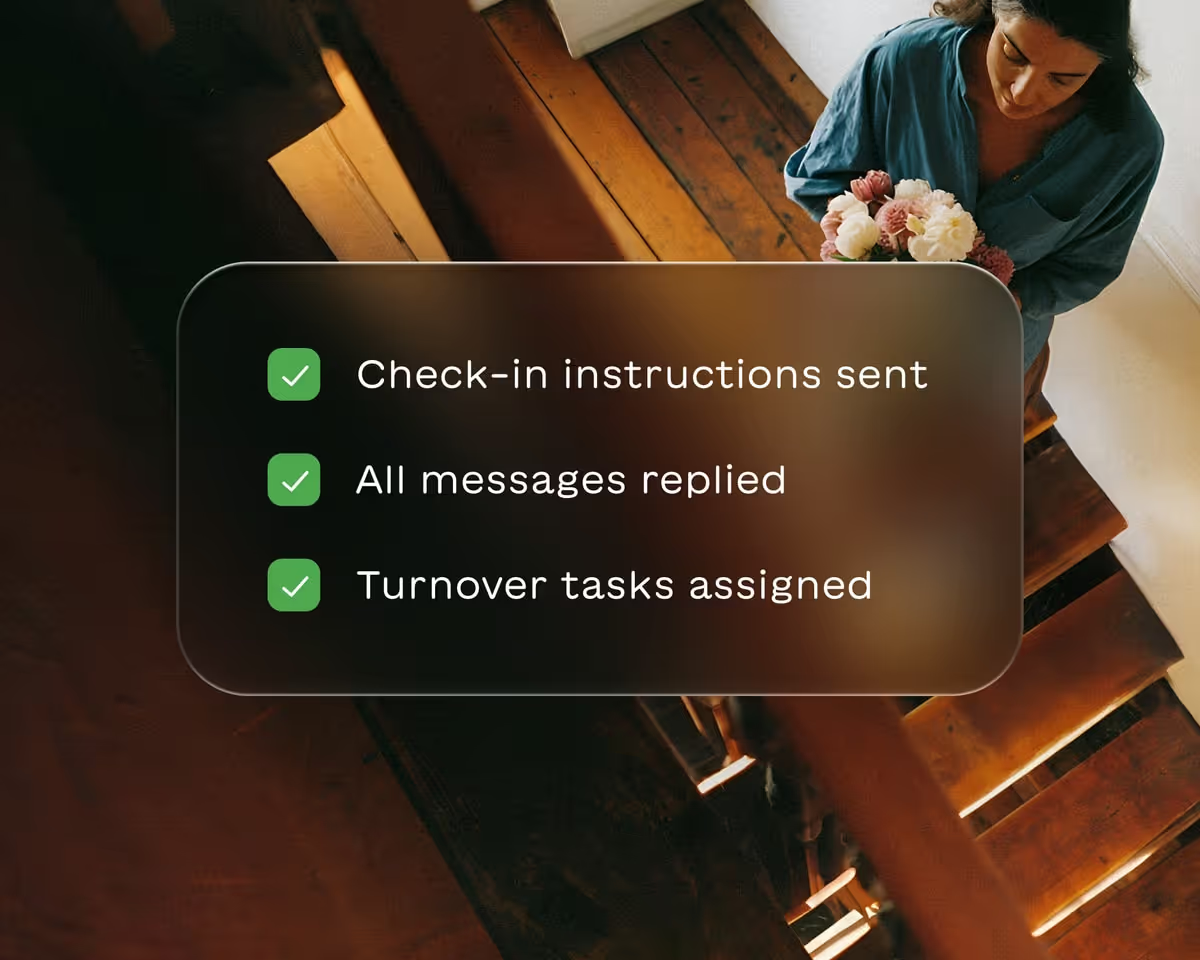
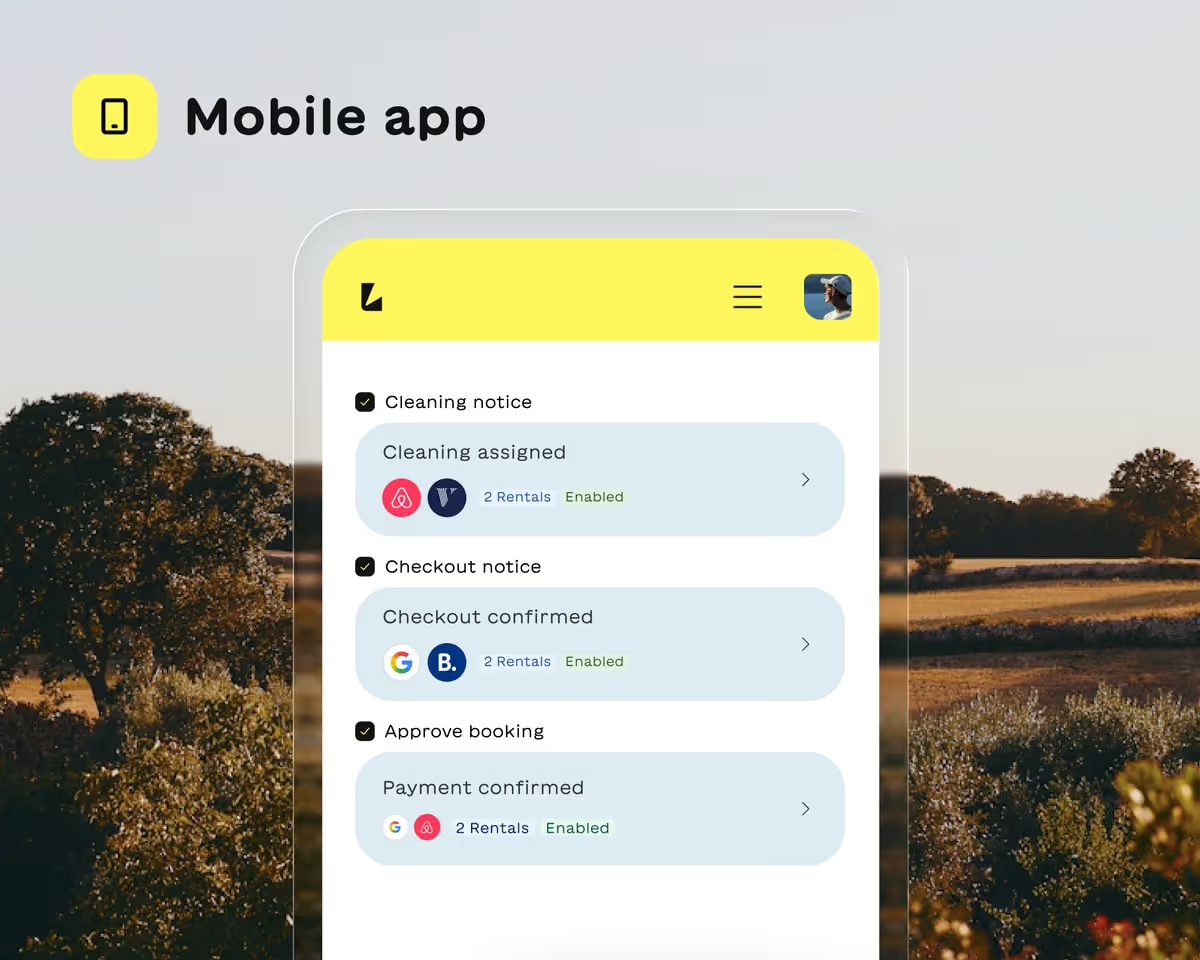
From cleaners to maintenance crews, everyone knows what needs doing and when. Short-term rental task management means fewer calls, texts and missed turnovers.
Assign by person or role
Push notifications for new tasks
Real-time status tracking
Let team members claim open tasks

Verify work quality before guests arrive
Vacation rental task management with built-in accountability. Require photo uploads and inspect completed work before marking anything done.

Checklists with photo requirements
Add step-by-step checklists to each task. Make photo uploads mandatory so you can see exactly what was done without being on-site.

Task inspection before sign-off
Mark tasks as requiring your approval. Review the work, check the photos and only then mark it complete. Quality control without the extra trips.
Not sure where to start?
Take 30 seconds to see how Lodgify can meet your needs.
How our task management for vacation rentals works
Get your team coordinated in minutes. Short-term rental task management that fits how you already work, just without the chaos.
1.
Create
2.
Assign
3.
Track
4.
Verify
5.
Repeat
Set up your first task
Create a one-time task or build an auto-scheduled template that triggers after every checkout. Add a checklist, set photo requirements and choose who handles it.
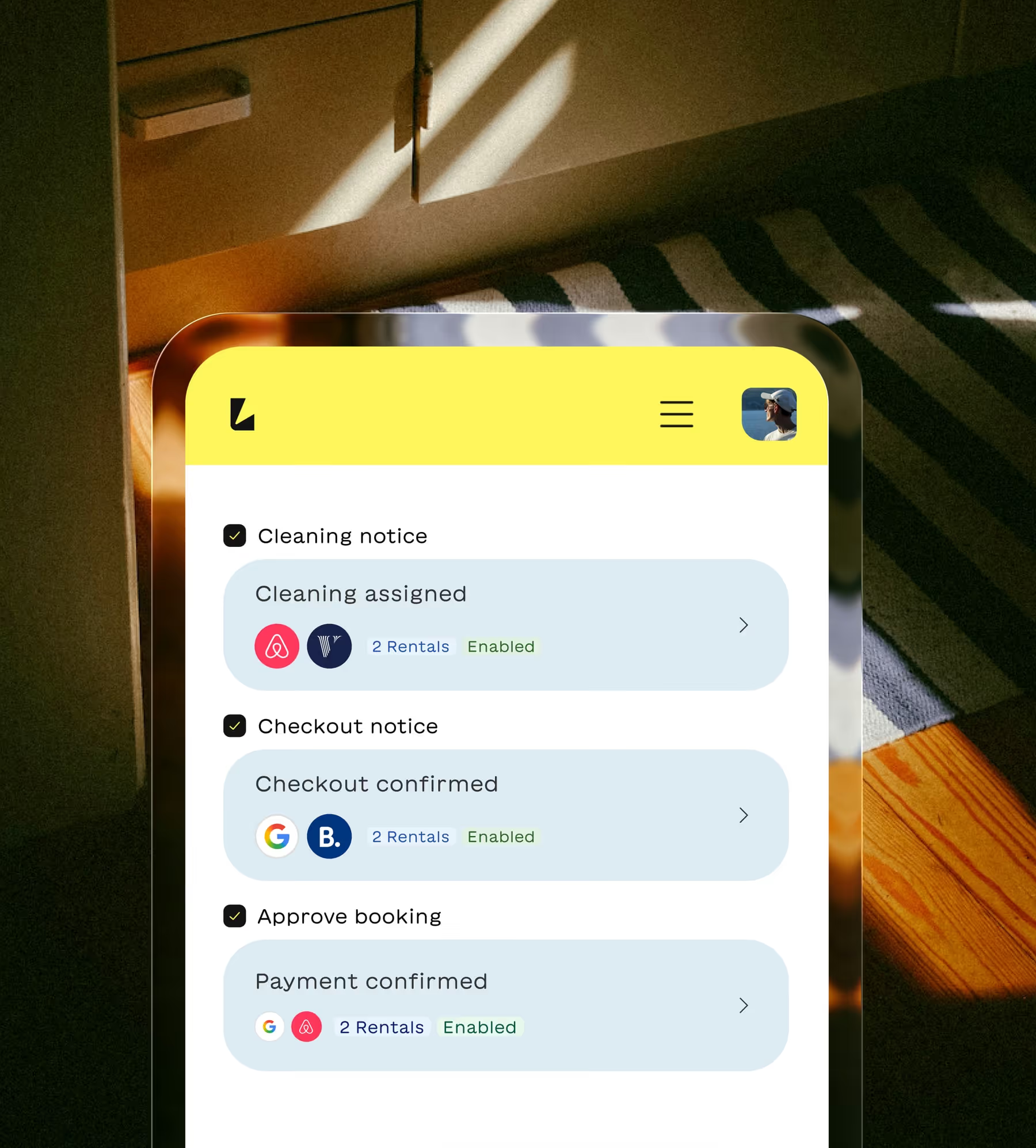
Send it to the right person
Assign tasks to a specific team member or a role like 'any cleaner.' Team members get notified instantly through the mobile app.
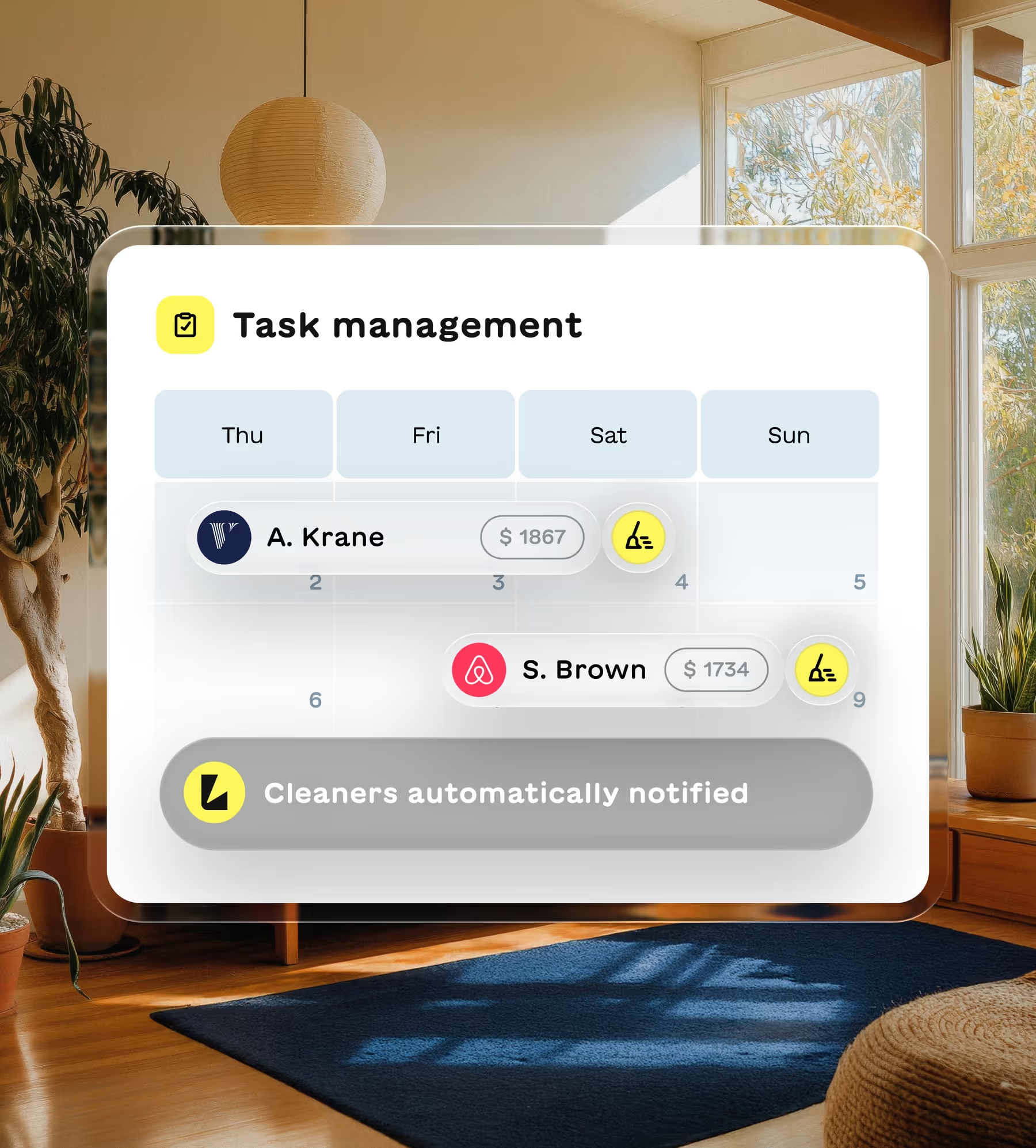
See status across all properties
View pending, overdue and completed tasks in one place. Know exactly what's happening at every property without making a single phone call.
Inspect work with photo proof
Review uploaded photos and checklist completions before signing off. Catch issues before guests arrive, not after they complain.

Let automation handle the rest
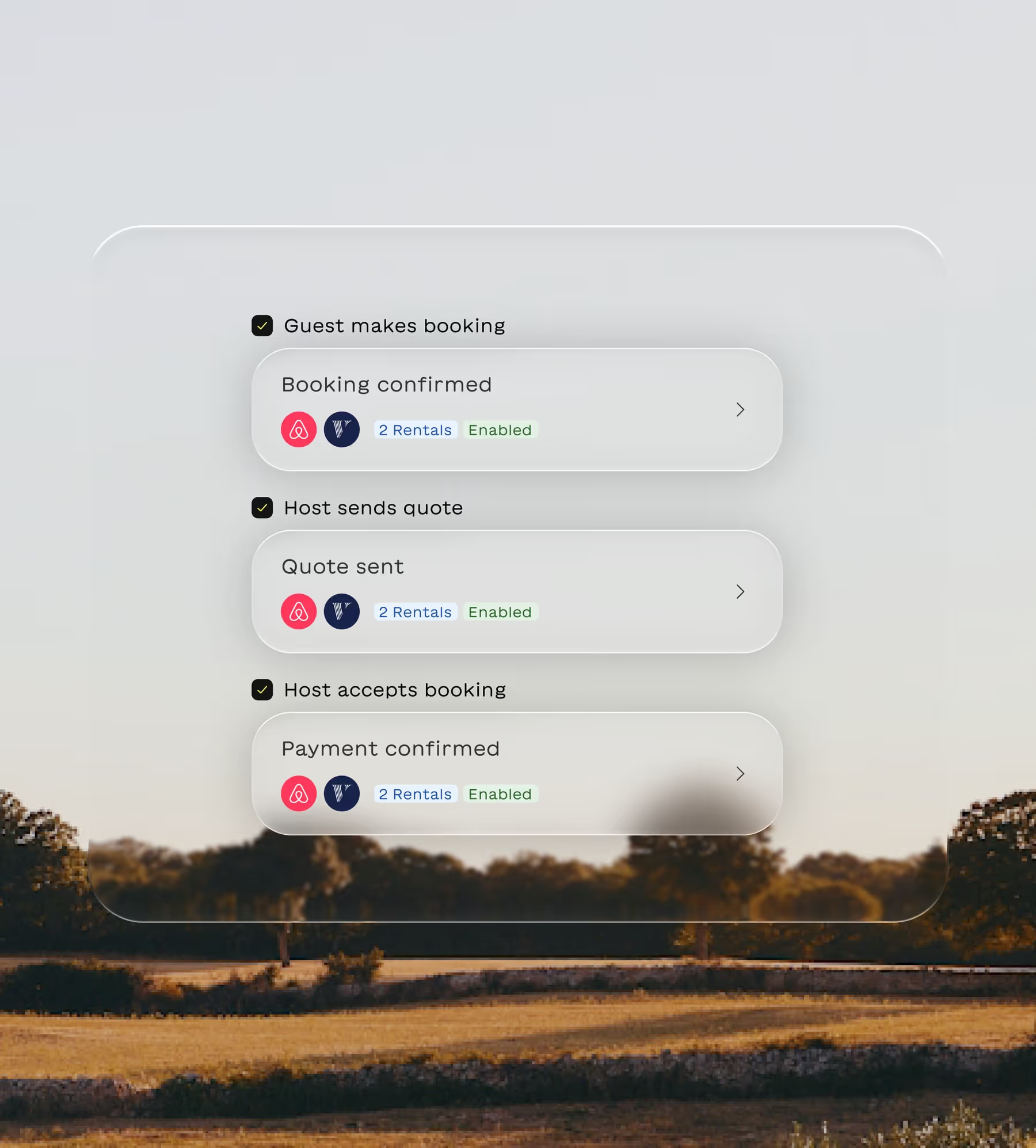
Once your auto-scheduled tasks are set, they generate automatically for every new booking. Your operations run on autopilot.
Run professional operations without the headcount
Task management for vacation rentals gives you the visibility and control of a property management company without hiring one. Every turnover is tracked, every cleaner is accountable and every property is guest-ready. Stop coordinating through group chats and start running your rentals like a real business.

Hear what our customers have to say
“Lodgify's onboarding team truly sets the tone for how customer support should be handled.”
“My onboarding experience with Lodgify was outstanding...The setup sessions were clear and personalized, helping me feel confident using the platform right away. Lodgify’s onboarding team truly sets the tone for how customer support should be handled — professional, thorough, and genuinely invested in your success.”
Mike


“It's been a breath of fresh air...it all just works.”
“The platform is intuitive, the website templates look professional straight out of the box, and the booking engine has made life so much easier... What’s impressed me most is how seamlessly everything connects — website, payments, calendar, channels — it all just works. That’s rare. On top of that, the support team has been brilliant...Lodgify has genuinely lifted our online presence and revenue.”
Verdon

“It was much better than I ever expected. And I expected a lot!”
“I was doing great using Airbnb to host our property for nightly rentals. I didn't think I needed to use a property management software like Lodgify to cross post and create a website for our home. But when we added a 2nd property I thought about it more and decided to try it out. I AM SO GLAD I DID! It was so easy to integrate our properties and cross post them. We have been seeing a measurable increase in revenue and bookings.”
Michael

“Highly recommend it to anyone looking for a reliable all-in-one system to run multiple properties smoothly!”
“Lodgify has been a great tool for managing my short-term rental business. It’s easy to connect listings across Airbnb, Vrbo, Booking.com, and my own website, keeping everything perfectly synchronized. The interface is clean, and automation features like guest messages and booking confirmations save a lot of time.”
Jackie

“Lodgify didn't just meet my expectations—it blew them away...For once, it feels like software made for people like me.”
“The platform itself is beautifully designed, fast, and incredibly functional. From centralising bookings and payments to building a slick website for our guesthouse, it’s all there. IDEAL integration? Check. Two-way sync with Airbnb and Booking? Seamless. The mobile app? Actually usable. For once, it feels like software made for people like me.”
Bernd

Trusted by thousands of hosts
Hosts managing everything from one beach house to entire portfolios rely on Lodgify to keep operations running smoothly.
3,400+ reviews
3,400+ reviews
1200+ reviews
3,400+ reviews
Still have questions?
What is task management for vacation rentals?
Task management for vacation rentals helps you coordinate cleanings, maintenance and turnovers across your properties. Instead of using spreadsheets or group chats, you create tasks in Lodgify that can trigger automatically around check-ins and checkouts. Assign work to team members, track completion and verify quality with photo proof.
Can I set up tasks that repeat automatically after each checkout?
Yes. Auto-scheduled tasks generate automatically based on your booking calendar. Set up a turnover cleaning template once and it creates a new task after every checkout for that property. No manual scheduling needed.
How do I assign tasks to my cleaning team?
You can assign tasks to a specific person or to a role like 'any cleaner.' When assigned to a role, any team member with that role can claim the task. Everyone gets push notifications through the mobile app so they know immediately when work is assigned.
Can I require photo proof that tasks were completed?
Yes. Add checklists to any task and make photo uploads mandatory for specific steps. Your team uploads photos as they complete each item. You can review everything before marking the task as done.
What's the difference between one-time tasks and auto-scheduled tasks?
One-time tasks are for specific dates and situations, like a maintenance visit or special request. Auto-scheduled tasks repeat automatically based on booking events like checkouts. Use both together to cover routine turnovers and unexpected needs.