


More reach. More reservations. Zero double bookings.






Smart Locks


Skip the key handoff. Automate guest access with Lodgify Smart Locks.
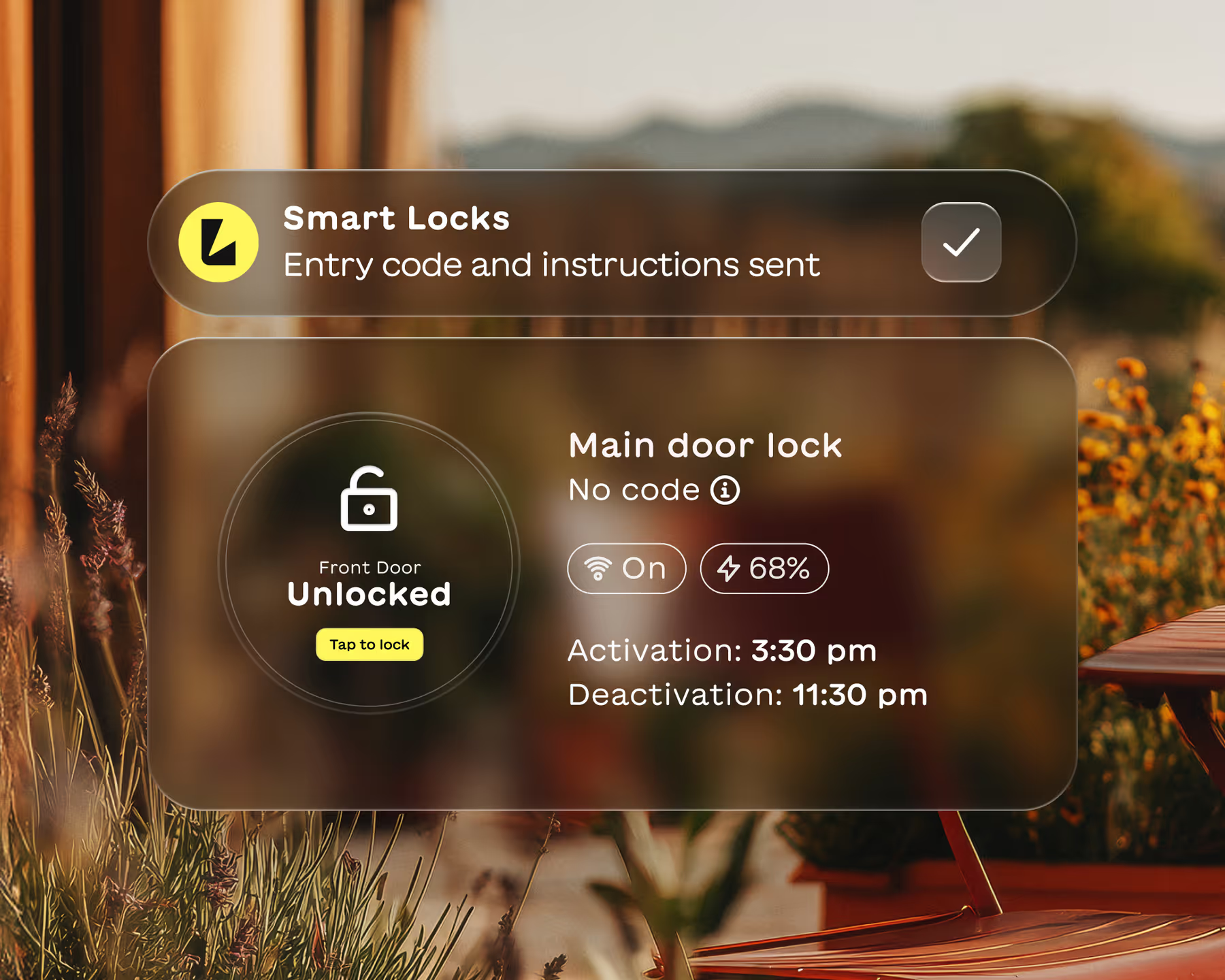
Lodgify Smart Locks generates unique access codes for every reservation. Codes are shared automatically before check-in and expire after checkout. No more coordinating key exchanges or rushing to meet guests.

Trusted by hosts worldwide
Thousands of vacation rental hosts rely on Lodgify to automate their operations and deliver better guest experiences.



3,400+ reviews

3,400+ reviews
1200+ reviews
3,400+ reviews


Flexible check-ins. No coordination necessary.
Guests arrive on their schedule. Lodgify Smart Locks removes the stress of key handoffs so you can offer true flexibility.

Unique codes for every booking
Each reservation gets its own access code. Codes activate at check-in and expire automatically after checkout.

Late arrivals? No problem.
Guests can check in at midnight or 6 AM. With automated access codes, arrival time is no longer your concern.
Your property. Your access rules.
Control who enters your property and when. Guest codes are tied to a specific reservation, giving you full visibility and peace of mind. Meanwhile, create permanent codes for you and your staff to ensure secure entry when you need it.
Automatic code expiration
Revoke access anytime
Full access history
Works with top lock brands

A frictionless guest experience
Self check-in sets the tone for a great stay. Guests feel welcomed and independent without waiting for anyone.

Codes sent at the right time
Access details arrive automatically before check-in via scheduled messages. Guests know exactly how to get in.

Fewer questions, better reviews
When access is simple, guests have fewer issues. That means smoother stays and stronger reviews for your property.
How the Lodgify smart lock integration works
From booking confirmation to checkout, access codes are handled automatically. You set it up once and Lodgify takes care of the rest for every reservation.
1.
Connect
2.
Code generated
3.
Code sent
4.
Code expires
5.
Update anytime
Connect your smart lock
Link your compatible smart lock to Lodgify through our supported integrations. Setup takes just a few minutes with our guided instructions.

Booking confirmed. Code created.
When a guest books, Lodgify generates a unique access code tied to their reservation dates.
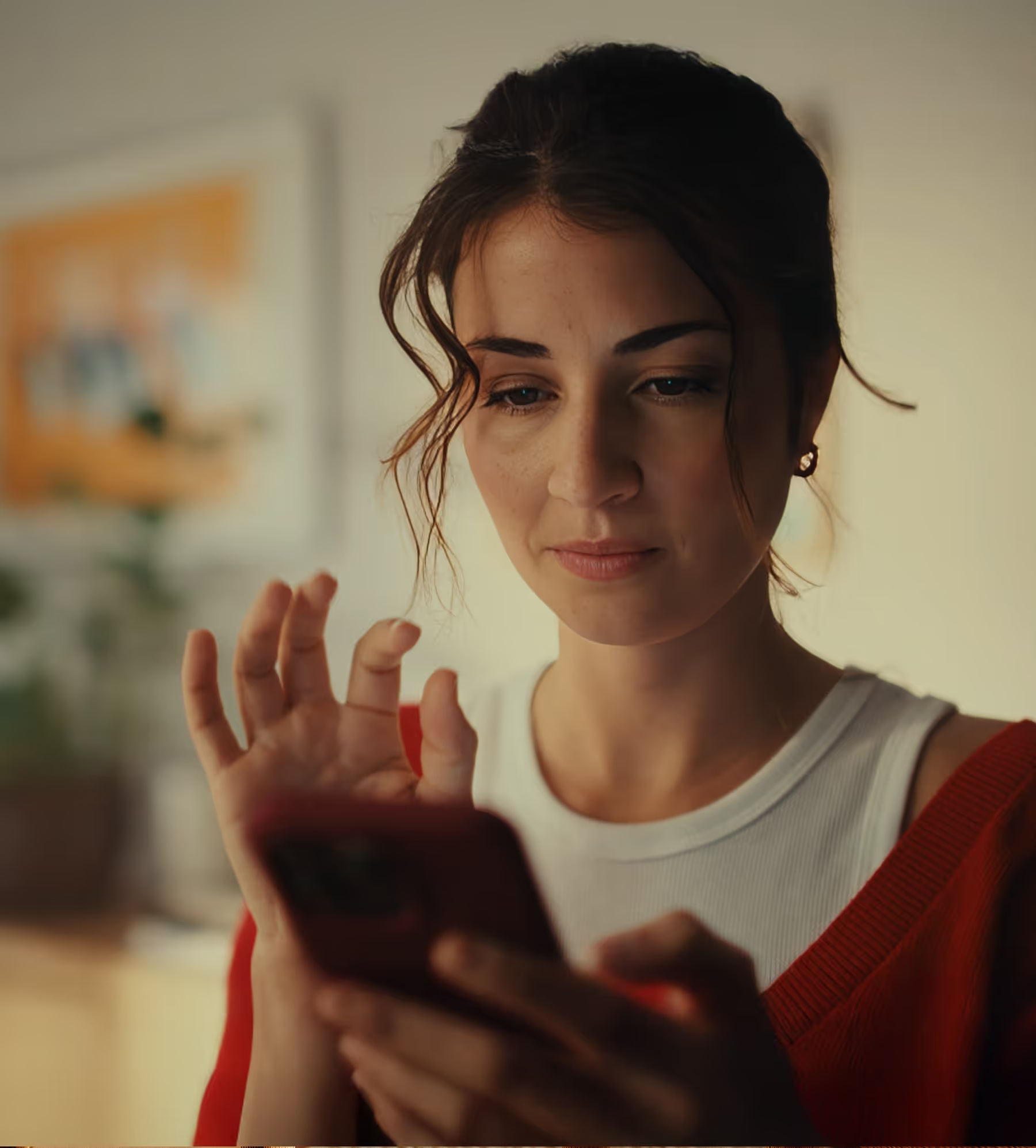
The code is shared automatically
The access code is sent to your guests via a scheduled message before their check-in time.

The code expires after checkout
Once the reservation ends, the code stops working automatically. Your property stays secure between guests.
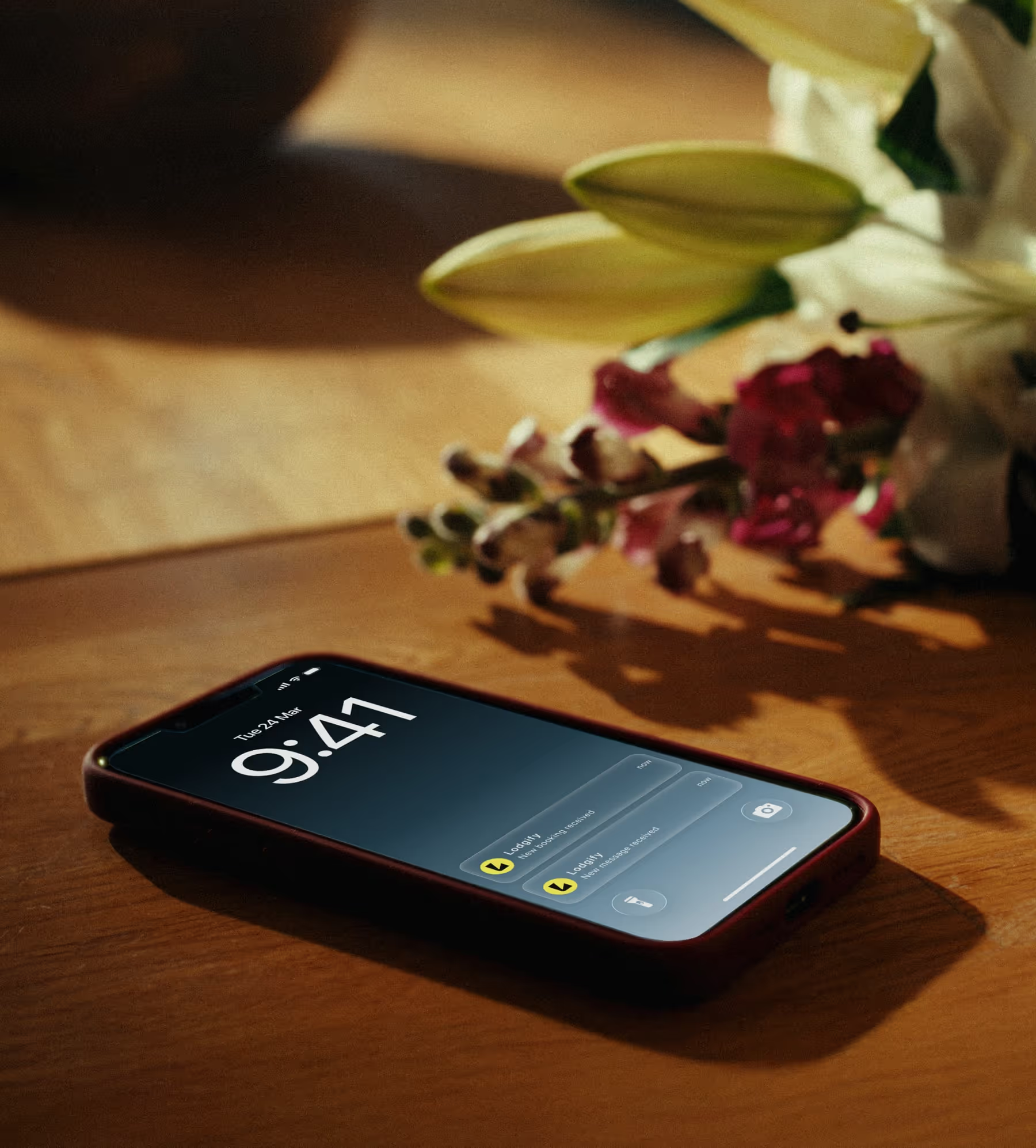
Update or revoke anytime
Need to change a code or cut off access early? You can update or revoke codes manually whenever needed.
Less coordination. More freedom.
Stop worrying about key handoffs, late arrivals and coordinating with cleaners. With Lodgify Smart Locks, guests get a smooth self check-in experience and you get your time back. It's secure, simple and built right into the Lodgify platform.
Hear what our customers have to say
“It's been a breath of fresh air...it all just works.”
“The platform is intuitive, the website templates look professional straight out of the box, and the booking engine has made life so much easier... What’s impressed me most is how seamlessly everything connects — website, payments, calendar, channels — it all just works. That’s rare. On top of that, the support team has been brilliant...Lodgify has genuinely lifted our online presence and revenue.”
Verdon

“Highly recommend it to anyone looking for a reliable all-in-one system to run multiple properties smoothly!”
“Lodgify has been a great tool for managing my short-term rental business. It’s easy to connect listings across Airbnb, Vrbo, Booking.com, and my own website, keeping everything perfectly synchronized. The interface is clean, and automation features like guest messages and booking confirmations save a lot of time.”
Jackie

“Lodgify didn't just meet my expectations—it blew them away...For once, it feels like software made for people like me.”
“The platform itself is beautifully designed, fast, and incredibly functional. From centralising bookings and payments to building a slick website for our guesthouse, it’s all there. IDEAL integration? Check. Two-way sync with Airbnb and Booking? Seamless. The mobile app? Actually usable. For once, it feels like software made for people like me.”
Bernd

Trusted by thousands of hosts
Hosts managing everything from one beach house to entire portfolios rely on Lodgify to keep operations running smoothly.
3,400+ reviews
3,400+ reviews
1200+ reviews
3,400+ reviews
Still have questions?
Which smart lock brands work with Lodgify Smart Locks?
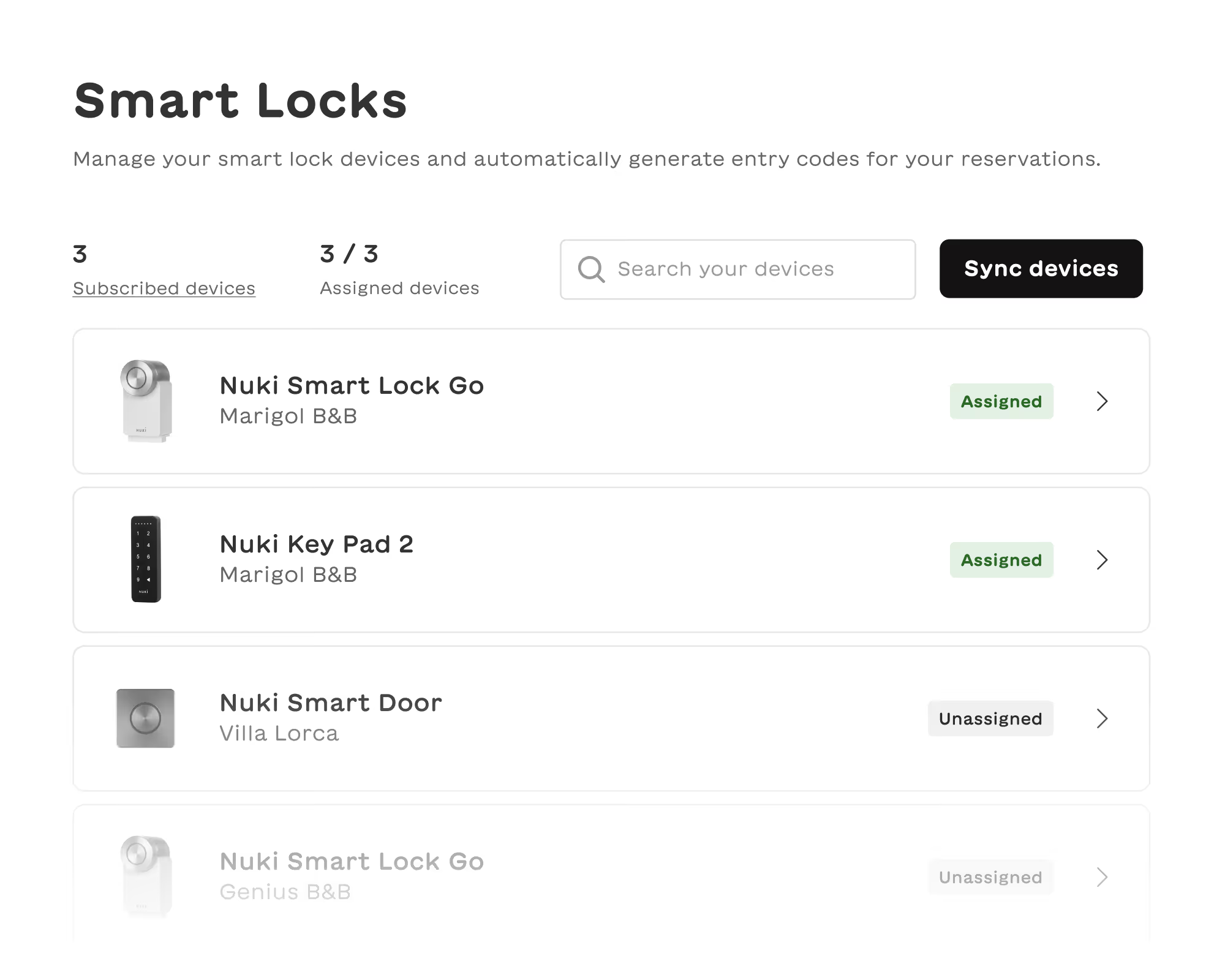
We work with the most secure and trustworthy smart lock brands, including Nuki, Igloohome, Schlage,and Yale. You can see the full list of supported smart lock brands in your Lodgify account. On the Settings tab, find Smart Locks under Rental Settings. Then click Check brands to see a list of supported brands.
How much does Lodgify Smart Locks cost?
Lodgify Smart Locks costs $7 USD (£6 / €6) per connected smart lock device. This is charged in advance on a monthly basis.
Do I need a smart lock to use this feature?
Yes, you will need to have an installed smart lock device from one of our supported brands to be able to use Lodgify Smart Locks.
Where can I purchase a smart lock device?
To purchase a compatible device, take a look at the brands we support and visit their website to purchase a lock and get started. To see the brands we support, log in to your Lodgify account and go to Settings. Find Smart Locks under Rental Settings and click Check brands to see a list of supported brands.
What if my smart lock device is not supported?
If your smart lock device is not currently supported, you can leave us feedback or you can check our marketplace to see if any of our partners support your specific smart lock device.
Do I need technical skills to set up the Lodgify smart lock integration?
Nope. Our guided setup walks you through connecting your smart lock step by step. Most hosts complete the process in just a few minutes. If you get stuck, our support team is ready to help.
Will guests receive their access code automatically?
Yes. Lodgify sends the access code to guests via a scheduled message before their check-in time. You set when the message goes out and it happens automatically for every booking. Guests arrive knowing exactly how to get in.