


More reach. More reservations. Zero double bookings.








Channel manager


Your Booking.com Channel Manager for Stress-Free Syncing
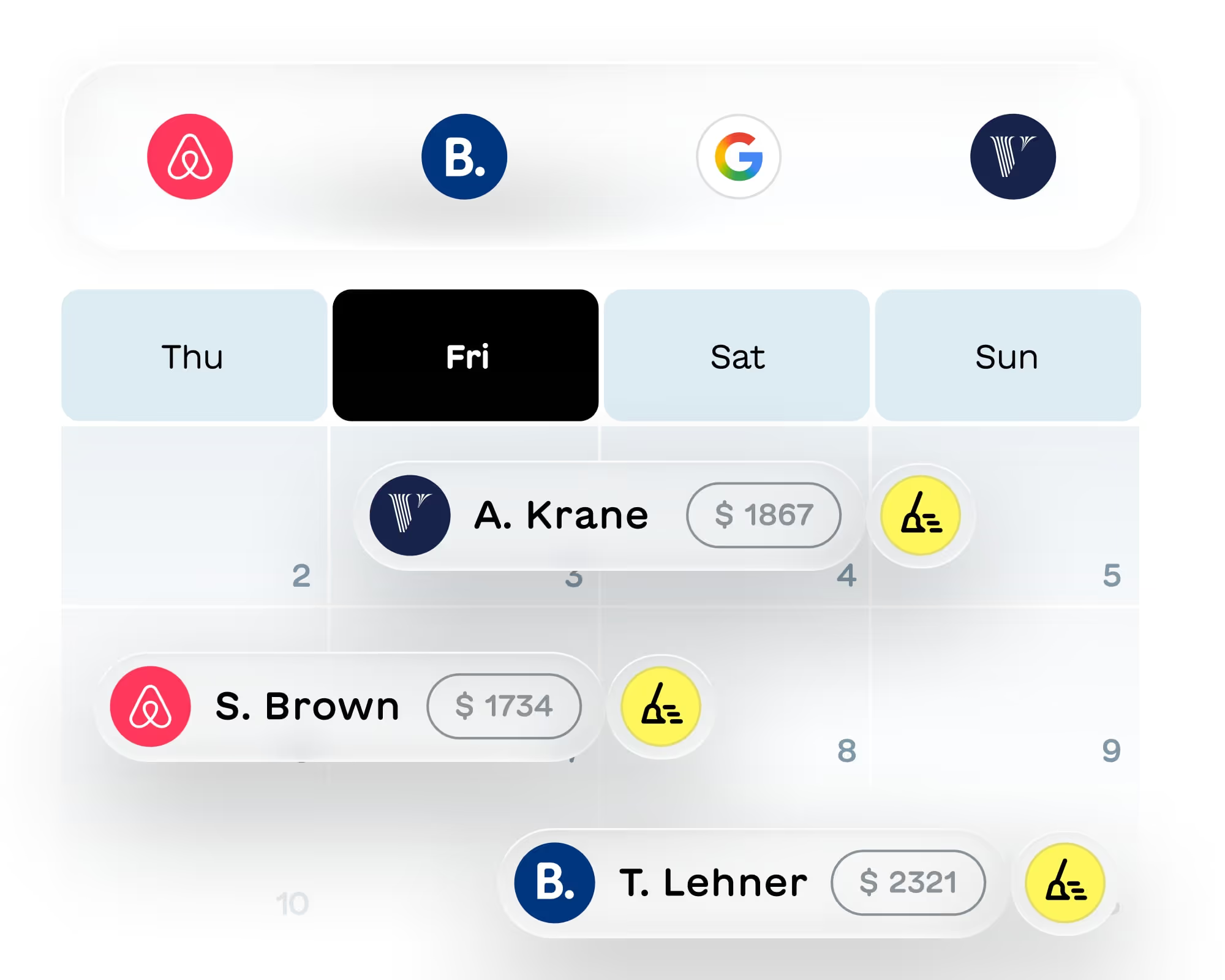
Connect your Booking.com listings to Airbnb, Vrbo and your own website. Our Booking.com channel manager keeps your calendars, rates and reservations in sync automatically. No double bookings, no extranet headaches.

Trusted by hosts worldwide
Hosts around the world rely on our Booking.com channel manager to sync their listings and streamline their operations.



3,400+ reviews

3,400+ reviews
1200+ reviews
3,400+ reviews

Sync your Booking.com calendar and forget double bookings
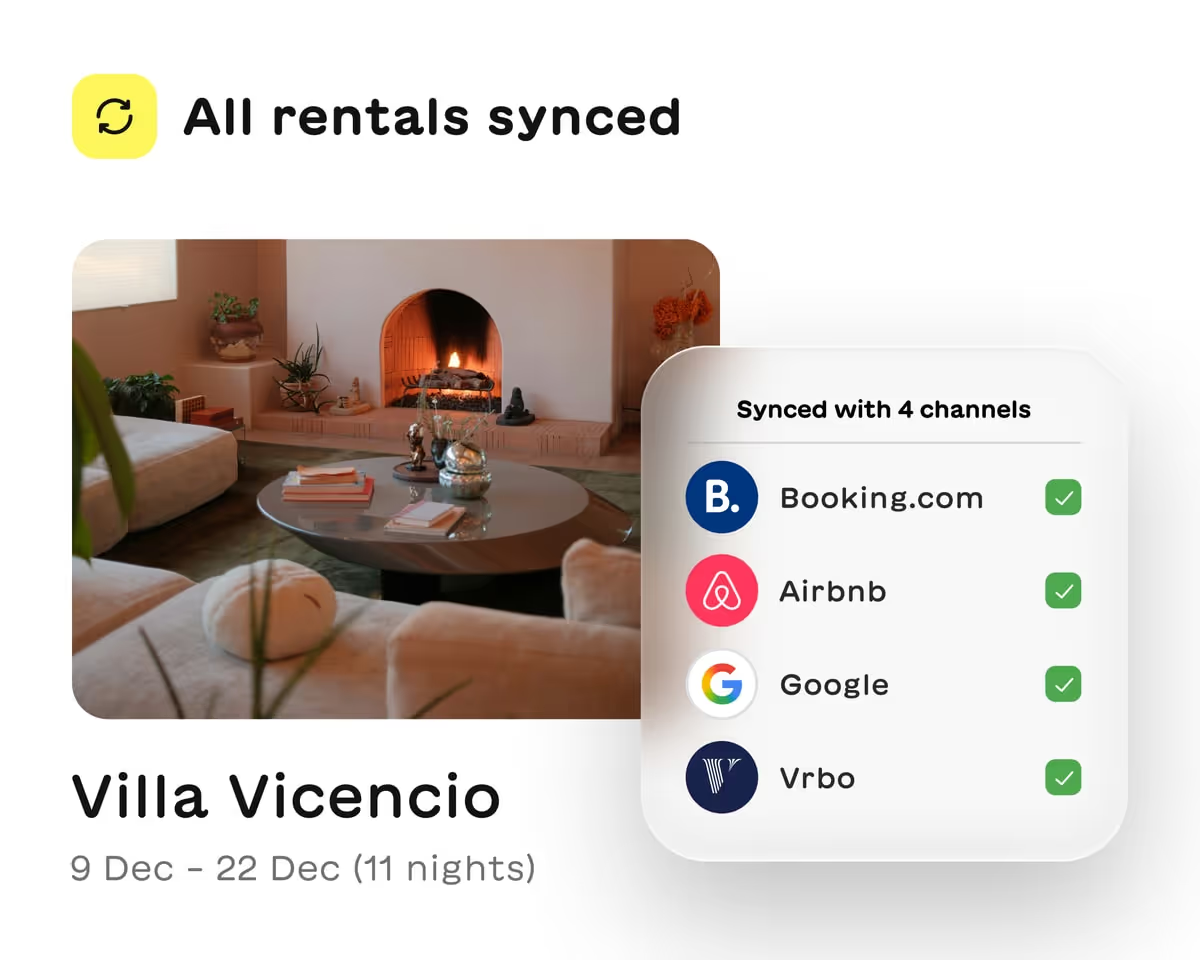
When a reservation comes in on any channel, those dates get blocked everywhere else. Your Booking.com channel manager handles it all.

Real-time calendar sync across all channels
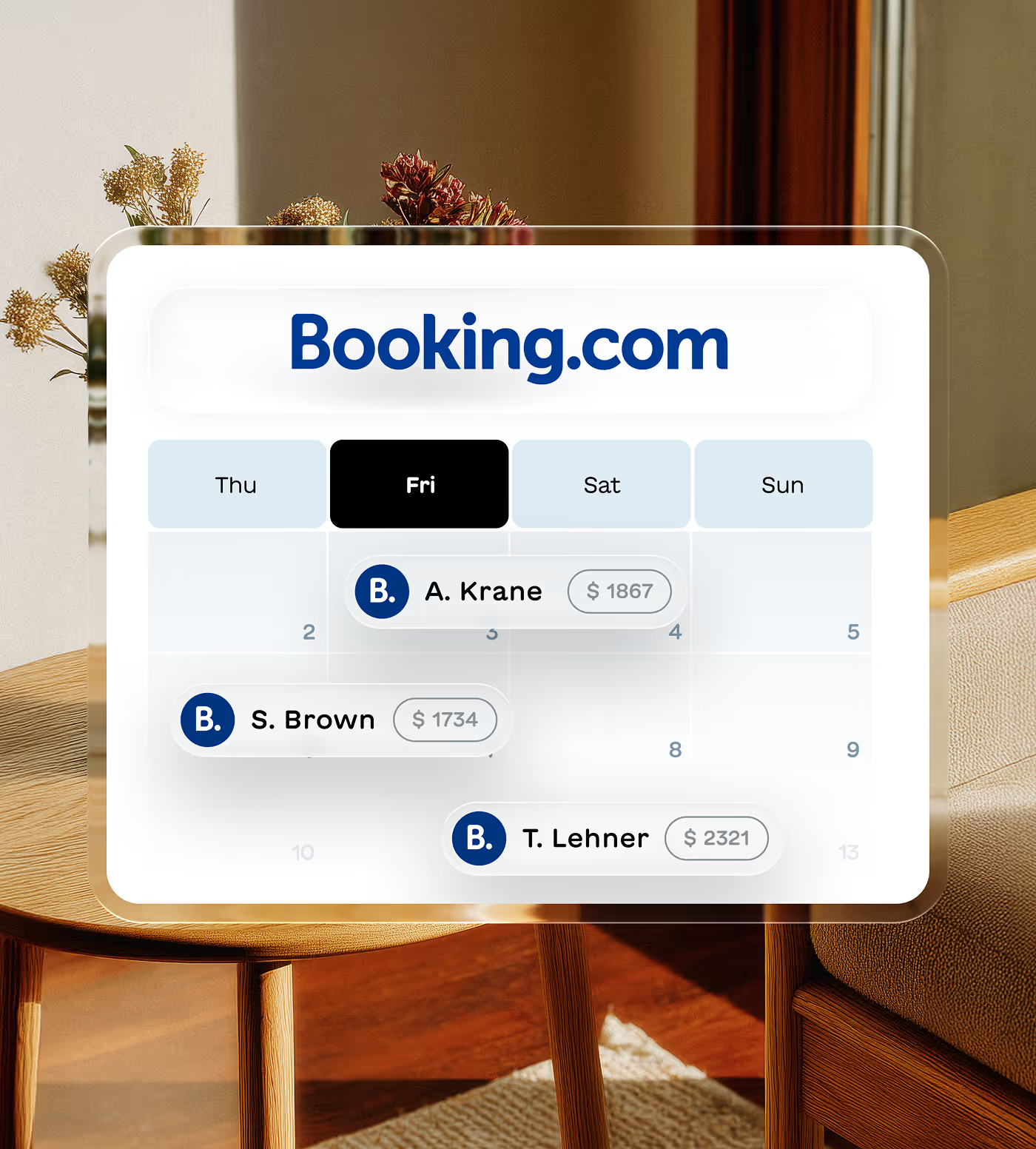
Get a reservation on Airbnb? Those dates are instantly blocked on Booking.com, Vrbo and your website. No manual updates needed.

Two-way sync with Booking.com API
Rates, availability and policies flow both ways. Make a change in Lodgify and watch it update on Booking.com within minutes.
Everything you need from the best channel manager for Booking.com
Manage your entire Booking.com presence without logging into the extranet. Rates, bookings, guest messages and more, all from one place.
Unified calendar view
Automatic reservation import
Guest messaging in one inbox
Rate and fee management
Reach Booking.com's global audience with less work
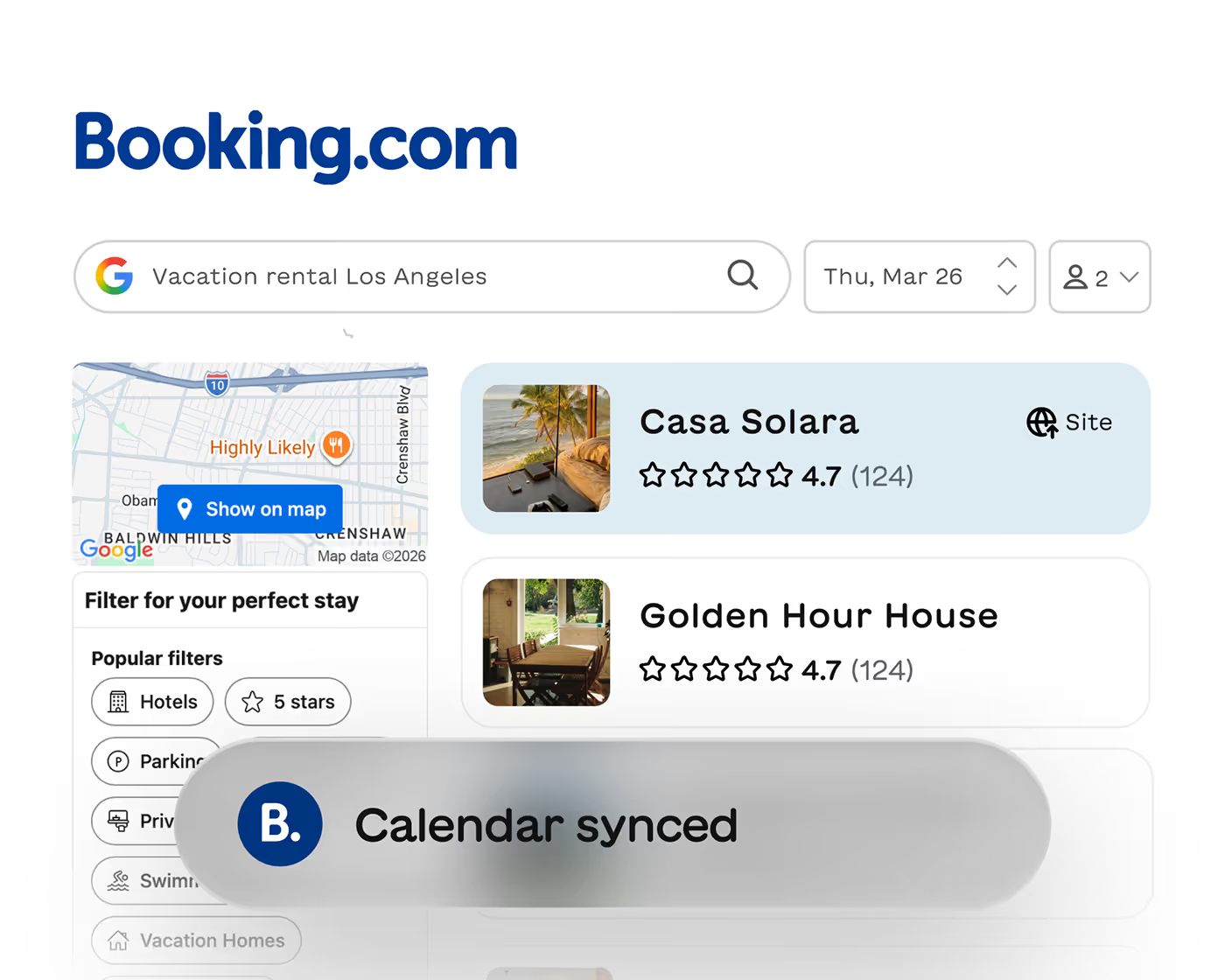
Tap into millions of travelers on Booking.com without the operational headache. Your channel manager Booking.com connection handles the complexity.

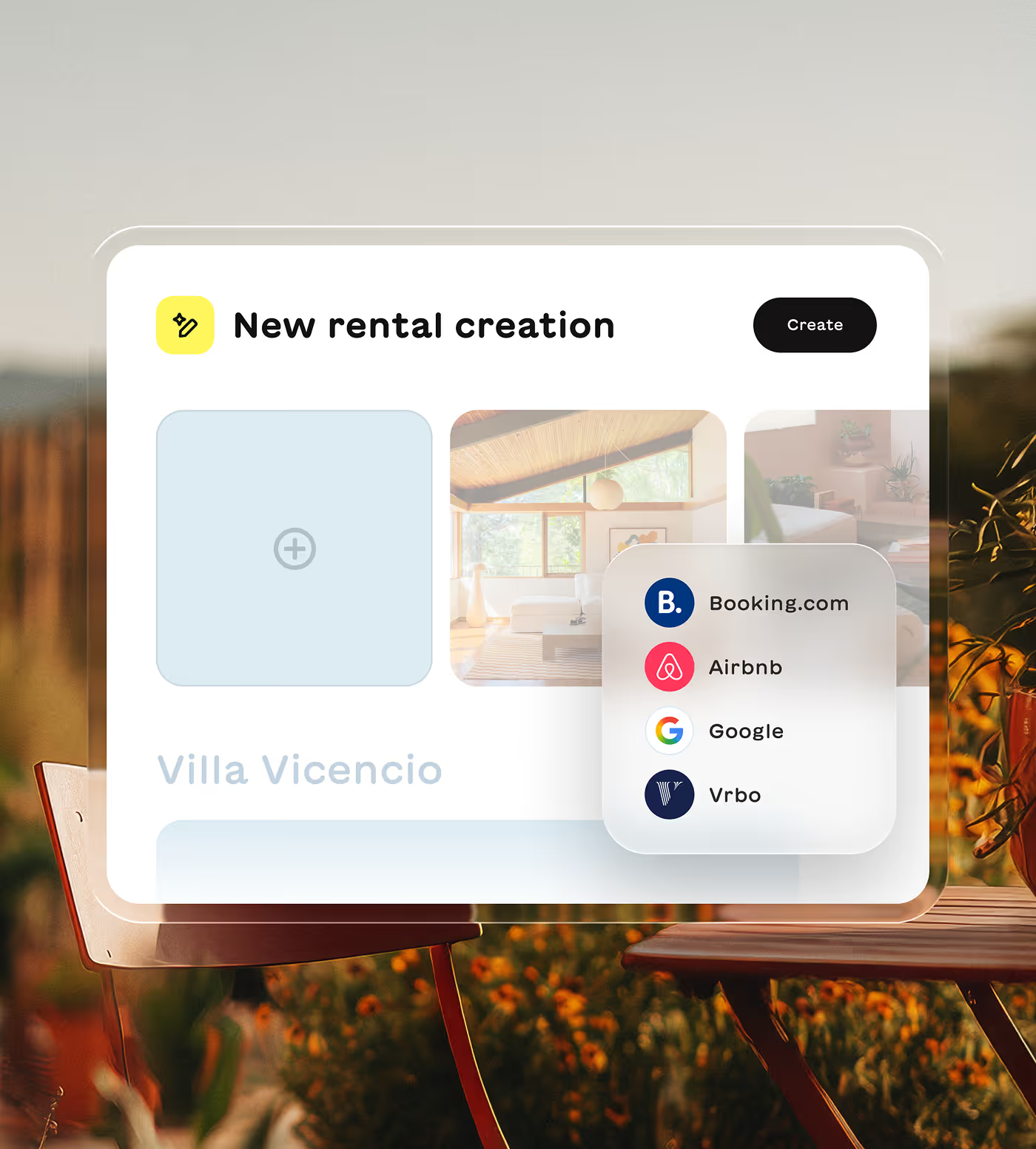
Export listings directly to Booking.com
Already have properties in Lodgify? Push them to Booking.com without recreating everything manually. Save hours of setup time.

Premier Partner support when you need it
As a Booking.com Premier Connectivity Partner, we get faster issue resolution and direct escalation paths. Your problems get solved quicker.
Set up your Booking.com channel manager
Get connected in minutes with our guided setup. No tech skills required. We walk you through each step and our connectivity team is here if you need help along the way.
1.
Step
2.
Step
3.
Step
4.
Step
5.
Step
Create your Lodgify account
Sign up for a free trial and add your properties. Import existing listings or create new ones from scratch. Our setup wizard makes it simple.
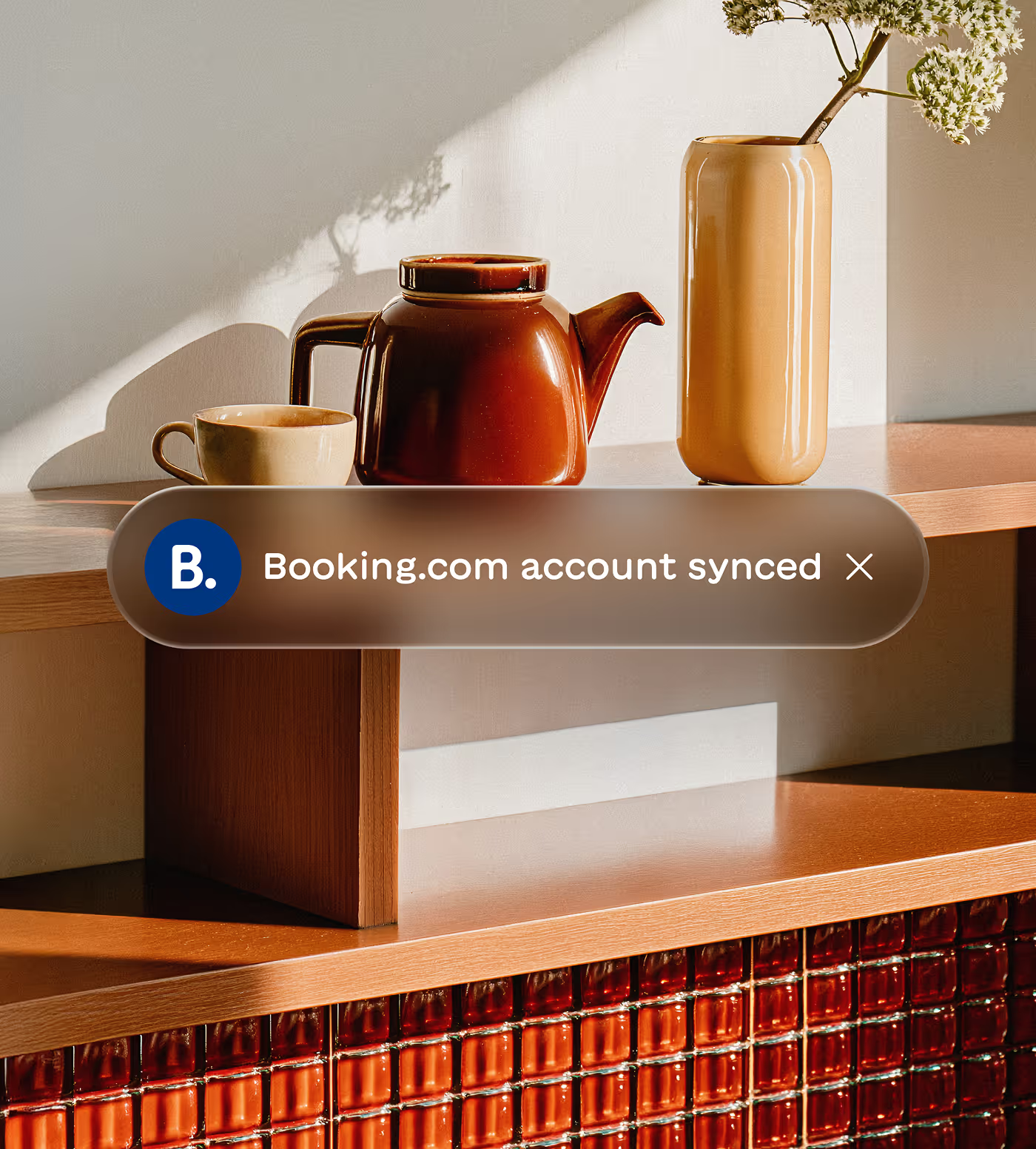
Enable Booking.com in your extranet
Log into Booking.com, go to Channel Manager settings and select Lodgify from the dropdown. This authorizes the connection between both platforms.
Map your properties
Tell us which Lodgify rentals match your Booking.com listings. Our connectivity team sends you a simple form to fill out. Takes just a few minutes.
Configure your rates
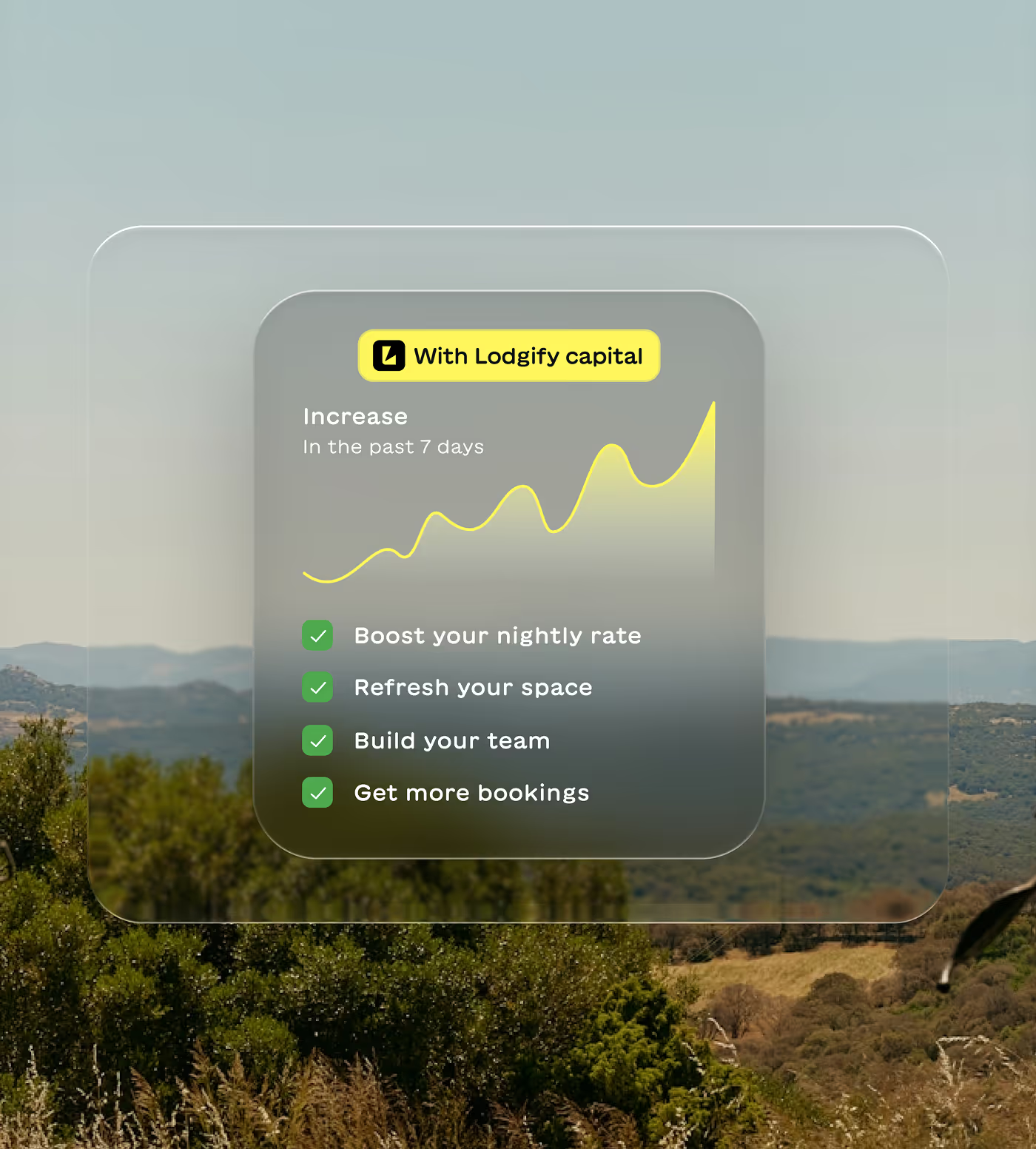
Choose which rates to sync and set any markups for Booking.com. Want higher prices on Booking.com than your direct site? Easy to set up.
Start syncing automatically
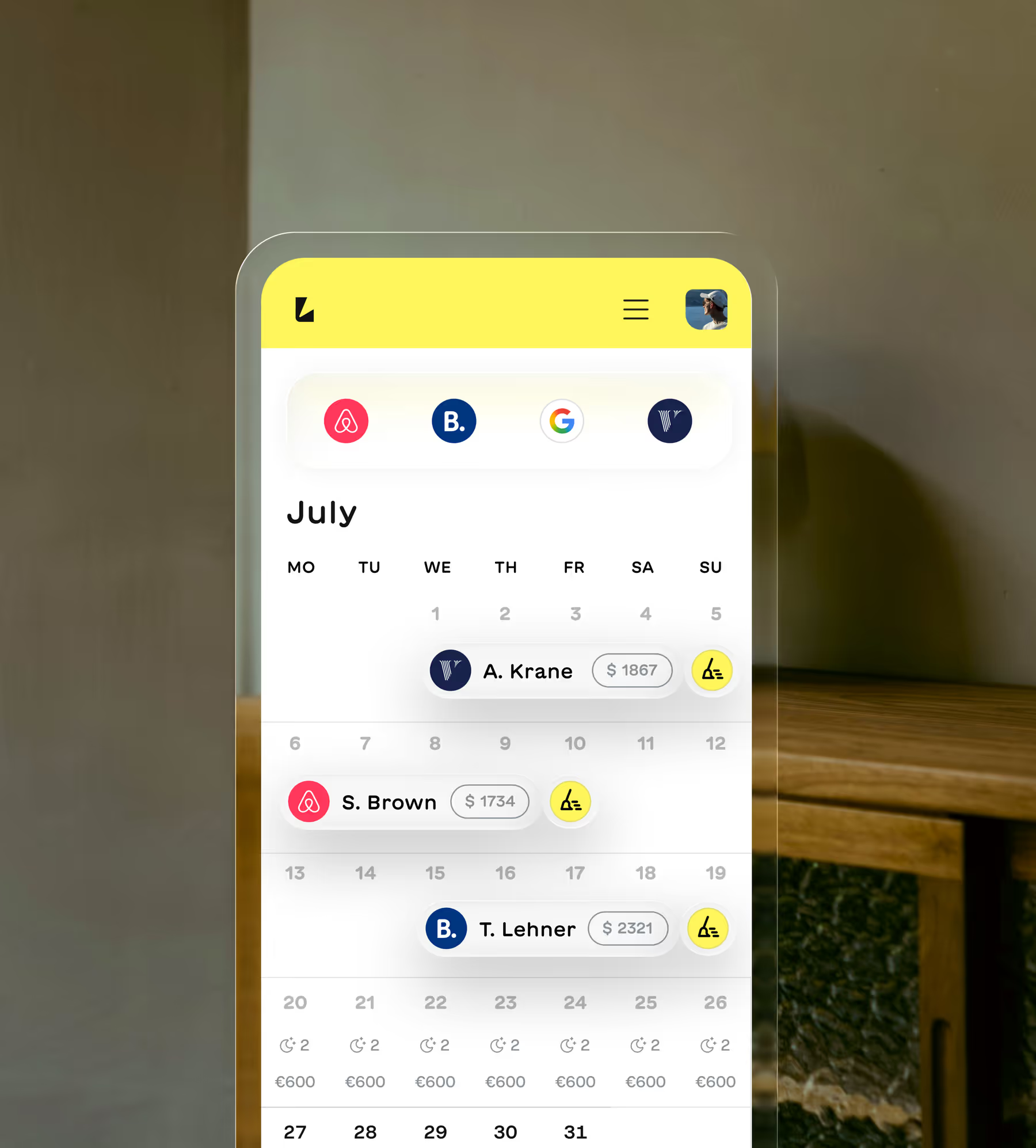
Once connected, your calendars sync in real-time. Reservations flow in, availability updates everywhere. The best channel manager for Booking.com just works.
Why hosts choose Lodgify for Booking.com
Manual updates and double bookings are history. Lodgify's Booking.com channel manager syncs your rates and availability automatically. Import reservations in minutes and handle guest messages from one place. As a Premier Connectivity Partner, we provide the reliability you need to grow your business—without the operational headache.

Hear what our customers have to say
“Lodgify's onboarding team truly sets the tone for how customer support should be handled.”
“My onboarding experience with Lodgify was outstanding...The setup sessions were clear and personalized, helping me feel confident using the platform right away. Lodgify’s onboarding team truly sets the tone for how customer support should be handled — professional, thorough, and genuinely invested in your success.”
Mike


“It's been a breath of fresh air...it all just works.”
“The platform is intuitive, the website templates look professional straight out of the box, and the booking engine has made life so much easier... What’s impressed me most is how seamlessly everything connects — website, payments, calendar, channels — it all just works. That’s rare. On top of that, the support team has been brilliant...Lodgify has genuinely lifted our online presence and revenue.”
Verdon

“It was much better than I ever expected. And I expected a lot!”
“I was doing great using Airbnb to host our property for nightly rentals. I didn't think I needed to use a property management software like Lodgify to cross post and create a website for our home. But when we added a 2nd property I thought about it more and decided to try it out. I AM SO GLAD I DID! It was so easy to integrate our properties and cross post them. We have been seeing a measurable increase in revenue and bookings.”
Michael

“Highly recommend it to anyone looking for a reliable all-in-one system to run multiple properties smoothly!”
“Lodgify has been a great tool for managing my short-term rental business. It’s easy to connect listings across Airbnb, Vrbo, Booking.com, and my own website, keeping everything perfectly synchronized. The interface is clean, and automation features like guest messages and booking confirmations save a lot of time.”
Jackie

“Lodgify didn't just meet my expectations—it blew them away...For once, it feels like software made for people like me.”
“The platform itself is beautifully designed, fast, and incredibly functional. From centralising bookings and payments to building a slick website for our guesthouse, it’s all there. IDEAL integration? Check. Two-way sync with Airbnb and Booking? Seamless. The mobile app? Actually usable. For once, it feels like software made for people like me.”
Bernd

Trusted by thousands of hosts
Hosts managing everything from one beach house to entire portfolios rely on Lodgify to keep operations running smoothly.
3,400+ reviews
3,400+ reviews
1200+ reviews
3,400+ reviews
Still have questions?
What is the best channel manager for Booking.com?
The best channel manager for Booking.com syncs your availability, rates and reservations in real-time across all your listing sites. Look for official API connections rather than iCal, Premier Partner status for better support and a platform that includes additional tools like a unified inbox and website builder. Lodgify checks all these boxes and offers free onboarding support to get you started.
How do I connect my Booking.com listing to Lodgify's channel manager?
First, log into your Booking.com extranet and navigate to Channel Manager settings. Select Lodgify from the dropdown menu to authorize the connection. Then our connectivity team will send you a simple mapping form to match your Booking.com listings with your Lodgify properties. The whole process typically takes less than a day and our team guides you through every step.
What information syncs between Lodgify and Booking.com?
Our Booking.com channel manager syncs calendars, reservations, availability up to 18 months, rates, fees and taxes, guest details including names and contact info and payment information if enabled. When you get a booking on Booking.com, it appears in your Lodgify calendar within minutes. Rate changes you make in Lodgify update on Booking.com automatically.
What are the requirements to connect to Booking.com?
You need matching currencies in both Lodgify and Booking.com. Once connected, you'll manage prices and availability exclusively through Lodgify. This ensures everything stays in sync. If you need to create a manual booking or block dates, do it in Lodgify and it will automatically update on Booking.com.
Do I need to maintain the Booking.com connection after setup?
Nope! Once your channel manager Booking.com connection is set up, it runs automatically. You don't need to do anything to keep it working. If you ever have questions or run into issues, our connectivity team is available to help. As a Premier Connectivity Partner, we can escalate Booking.com issues faster than standard partners.
Can I set different prices on Booking.com than my direct website?
Yes. When configuring your rates, you can add a markup for Booking.com listings. Many hosts price slightly higher on Booking.com to account for commission fees while keeping lower prices on their direct booking website. This helps encourage direct bookings while still capturing Booking.com's audience.
Can I export my existing Lodgify properties to Booking.com?
Yes. If you already have properties set up in Lodgify, you can export them directly to Booking.com without recreating everything manually. This saves hours of setup time and ensures your listing details stay consistent across platforms. Our connectivity team can walk you through the export process during onboarding.