


More reach. More reservations. Zero double bookings.





Airbnb Owner Login
Last updated
June 22, 2026


Unlock the full potential of your hosting experience by accessing your Airbnb owner login with ease. Whether you're managing bookings, updating your listing, or analyzing your performance, the portal provides all the tools you need to succeed right at your fingertips.
The Airbnb owner login process is quick and easy, and we’ll walk you through the necessary steps here. But first, it’s important to know that Lodgify is not Airbnb. Lodgify is a vacation rental software that provides hosts with tools to independently increase their bookings and maximize their time.
We know how crucial it is to be on listing sites—especially when you’re just getting started. That’s why our channel manager integrates directly with websites like Airbnb. We’ve put together this guide to help you log in to Airbnb and navigate through the site, starting from the very beginning.
Disclaimer: Lodgify is an Airbnb Preferred+ Software Partner. This guide, including any claims or statements within, is solely from Lodgify and is not endorsed by, directly affiliated with, authorized, or sponsored by Airbnb in any way.
Don't see the form to download our Airbnb rental agreement? Click here.
How to use the Airbnb owner login
Airbnb has made navigating its site super easy. They provide a wealth of useful content for hosts, and accessing it begins with logging in to the Airbnb extranet. Airbnb guests, on the other hand, also use their own Airbnb login details when accessing the site.
Steps for an easy Airbnb login experience
Let’s break down how to access your Airbnb owner login.
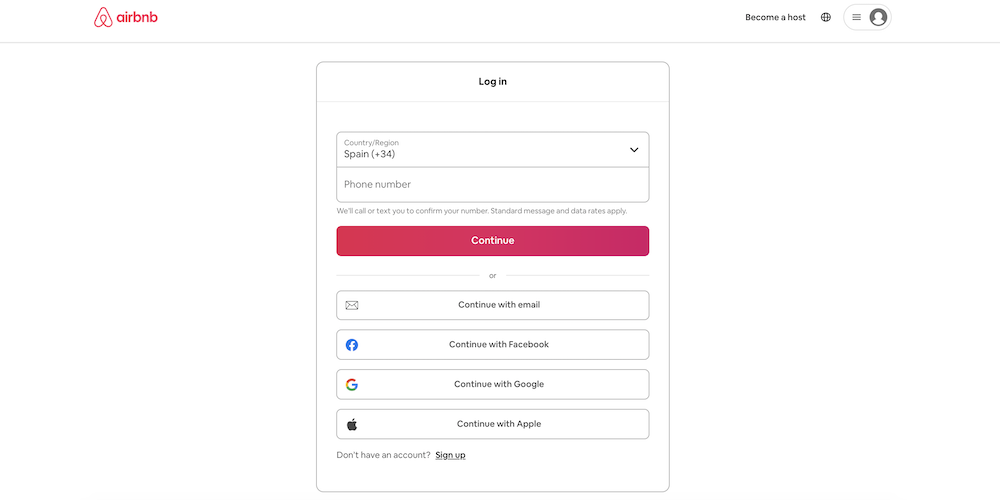
Step 1: Navigate to the Airbnb login page.
Step 2: As a host, you have several choices for logging into the platform. You can log in using your phone number, Facebook account, Google account, Apple account, or the email and password you registered with when opening your account. You will need this information to access the site and post your listing, as well as to handle guest inquiries.
Step 3: You are also given the option of clicking the Remember me box. This way, you won’t need to go through the second step each time you log in to your Airbnb owner account. However, it’s only recommended if you’re using a personal computer.
What to do if you forgot your Airbnb owner login password
If you don’t remember the password for your Airbnb extranet login, all you need to do is follow a few easy steps:
- Click on Forgot password? This link is located below the password field on the login page.
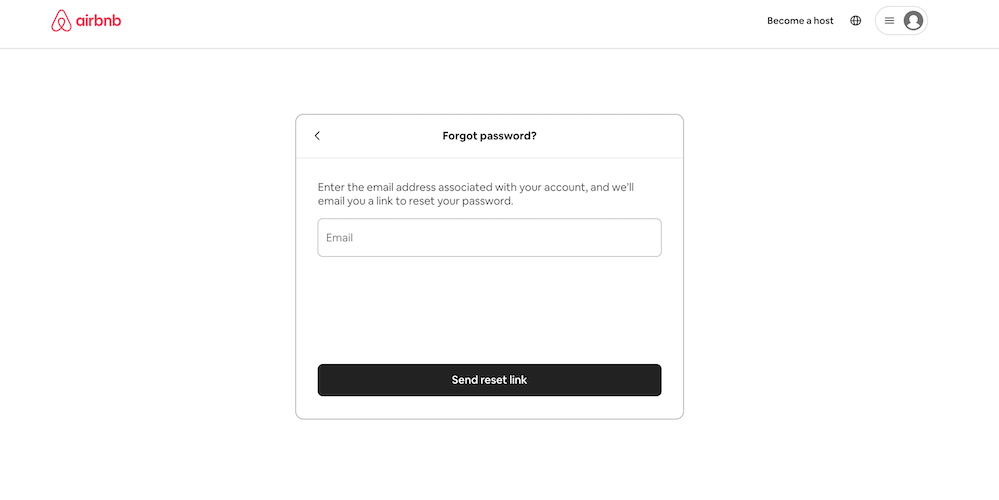
- Redirect to the Reset Password page. Clicking the link will take you to the Reset Password page.
- Enter your email address. Input the email address associated with your Airbnb owner login and click Send reset link.
- Check your email for the reset link. You’ll receive an email shortly with a link to reset your password. Make sure to use the latest reset link if you've requested multiple.
- Use the link within the time limit. Reset links are time-sensitive and can only be used once. If the link expires, you'll need to request a new one.
- Disable email link preview features (if needed). If the link always expires before you open it, disable your email service's link preview or mail scanner feature to avoid issues.
Tips for making your Airbnb login easier
Although the Airbnb sign-in process is already quite straightforward, some hosts occasionally encounter difficulties. With the following tips, you can prevent potential problems.
Check that the email used is correct
When you’re filling out your account profile, make sure you use the same email account that you will be using when logging in. If you experience issues with your Airbnb owner login, remember that the site can provide you with instructions to assist you.
You may want to make a note of your Airbnb sign-in details in case you forget them. An alternative is to use Airbnb management software that will give you instant access to your Airbnb bookings and calendars. This tool syncs all your Airbnb reservations with your own vacation rental website and any external channels.
Do not open two accounts just because you forgot the Airbnb sign-in details for the first one. This can cause problems for you when you go to register your properties. Additionally, it can confuse the Airbnb system when they send out details to hosts.
Make sure your Airbnb login details are secure
Never share your Airbnb.com login information with another person or a guest. This could put your vacation rental business at risk if they happen to change your login details. They would also have access to all of your reservations and could interfere with a booking.
Some users like to use the same login credentials from their social media accounts to log in to sites like Airbnb. However, for security purposes, you may want to generate new and distinct login information for this site. This way, your Airbnb account remains protected even if your social media login data becomes compromised.
Don’t use an easy password
Hosts may be tempted to use a simple password so they don’t forget it. However, it’s essential to always follow good security best practices and use a strong password that cannot be easily copied. You don’t want the data you are providing to Airbnb to be accessed by anyone else.
Airbnb recommends the following tips to create a strong password:
- Don’t use the same password for other accounts.
- Your password should have a mix of numbers, letters, and special characters.
- The password typically needs to be at least 8 characters.
- Don’t use common phrases or words.
- Use a password manager to store your passwords. This way, you can create unique combinations without worrying about forgetting them every time you try to log in!
Additional Airbnb host login help
If you need additional assistance, contacting Airbnb customer service is simple. You can reach out through the Help Center on the Airbnb website or app by navigating to the Contact Us section.
There, you’ll find options to message a support agent or request a call. Additionally, Airbnb’s customer service team is available 24/7 to assist with account issues, booking inquiries, or other concerns. For urgent matters, such as safety concerns during a stay, look for the dedicated phone support in your region for quicker assistance.
How to change your Airbnb password
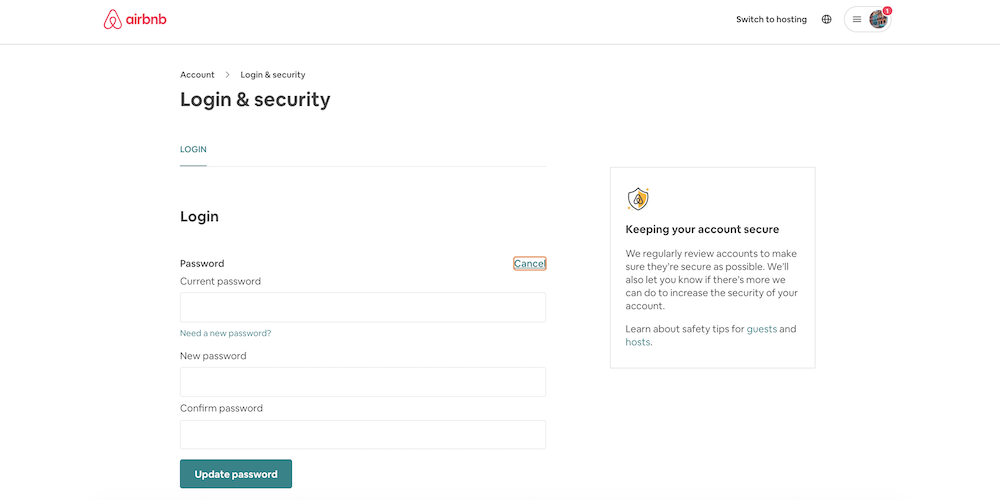
If you’re logged in to your Airbnb account and want to change your password, follow these simple steps:
- Click Account.
- Go to Login & security.
- Where it says Password, click Update.
- Enter your new password.
Click Update password and you’re done!
Keeping your Airbnb account secure
Aside from creating a secure password, there are a few more ways to protect your account and information:
- Make sure to double-check the URL before logging in. It should always be https://www.airbnb.com. Spelling mistakes can direct you to a fake page where your login credentials can be stolen.
- Invest in antivirus software. It’s worth it!
- Update your devices for new security protections.
What to do if someone has logged in to your Airbnb account
If someone has signed into your Airbnb account from a new device, Airbnb will require multi-factor authentication. A security code will be sent to either your phone or your email address, or you will be required to verify some account details.
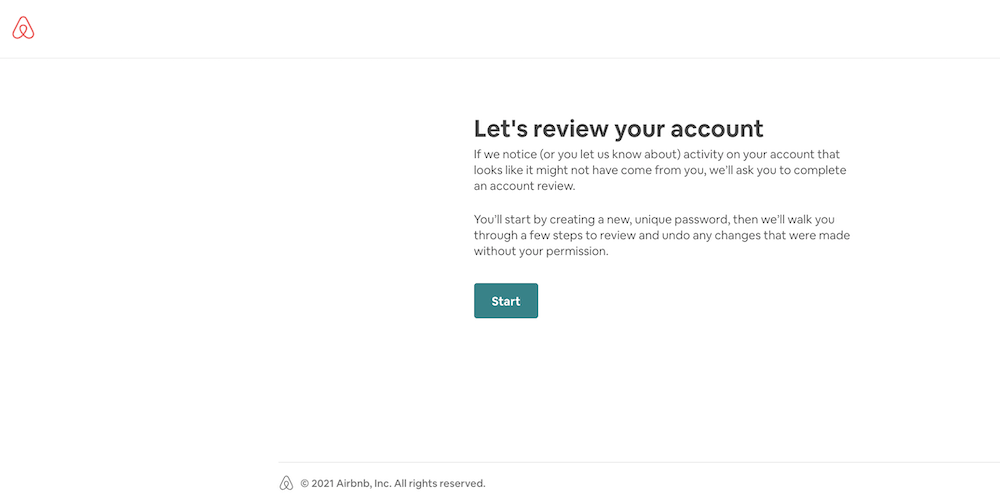
Often, Airbnb will send an email alert if someone else has accessed your account. If that’s the case, you should immediately go to Review Your Account.
Airbnb owner login FAQs
It’s time to explore some frequently asked questions about the Airbnb owner login experience.
How do I log in to Airbnb as an owner?
To sign in to Airbnb as an owner, navigate to the Airbnb login page. From there, you can enter your email address or phone number and your password. Alternatively, if you used a separate account to register with Airbnb, click Continue with Facebook/Google/Apple.
Airbnb may ask you to verify your account if you use a new device to log in. In this case, Airbnb will send a code to your phone or email.
How do I access my Airbnb host account?
To access your Airbnb host account, first navigate to the Airbnb login page. Then, you can enter your email address, phone number, and password. Alternatively, if you use a separate account to register with Airbnb, click Continue with Facebook/Google/Apple.
Airbnb may ask you to verify your account if you log in using a new device. In this case, Airbnb will send a code to your phone or email.
Why can’t I log into my Airbnb account?
The most common reason for not being able to log in to your Airbnb account is entering incorrect login information. Make sure that you’re using the correct email address or phone number associated with your Airbnb account, as well as the correct password.
If you’ve forgotten your password, don’t worry! You can easily reset it by clicking on Forgot Password on the login page. Airbnb will send a link to reset your password to the email address or phone number associated with your account.
If you still can’t log in, reach out to Airbnb for help.
Next steps
Now that you know how to use your Airbnb property owner login, you can manage your rental business with ease and start learning about topics like cancellation policies and guest reviews.
Don't see the form to download our Airbnb rental agreement? Click here.