


More reach. More reservations. Zero double bookings.








Vrbo Owner Login: Creating & Accessing Your Account
Last updated
June 22, 2026
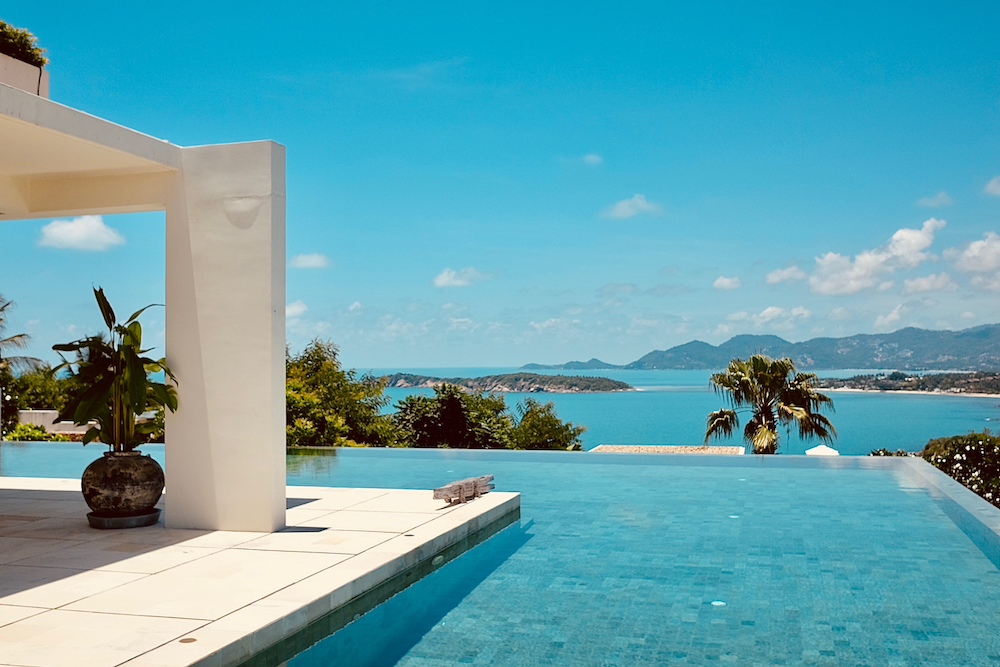


Before you can create and optimize your Vrbo listing, you need a Vrbo owner account. This guide provides clear, step-by-step instructions to get you set up, from creating your profile to navigating the owner dashboard.
You'll use your Vrbo owner login to list your properties, manage bookings, and communicate with guests. By the end of this page, you’ll have the information you need to confidently manage your vacation rental on Vrbo.
Disclaimer: Lodgify is not Vrbo
Lodgify is a vacation rental software that helps hosts independently increase their bookings and maximize their time. That's why we've put together this Vrbo listing guide to help you navigate the site's features.
Don't see the form to download our rental agreement template? Click here.
How to create a Vrbo account
Creating a Vrbo host account is a straightforward process that takes just a few minutes. Follow the steps below to get started.
What you'll need before you start
To make the setup process as smooth as possible, have these items ready:
- Property details: Address, property type (house, apartment, etc.), number of bedrooms and bathrooms, and key amenities
- High-quality photos: At least 5-10 professional-looking photos of your property
- Bank account information: Your routing and account numbers for receiving payments
- Business contact information: Your name, email address, and phone number

Step-by-step guide to creating your account
- Start your listing: Go to the Vrbo website and click List your property.
- Enter property details: Provide basic information about your rental, like its address and size. Vrbo will give you an earnings estimate based on comparable properties in your area.
- Create your account: Enter your name and email, then create a secure password.
- Complete your profile: Follow the on-screen prompts to verify your location, upload photos, and fill out security information.
- Set up payments: Add your bank account details so you can get paid for bookings.
- Set your pricing and availability: Input your nightly rate, cleaning fees, and block off any dates when your property is unavailable.
- Publish your listing: Once all sections are complete, click Publish. Your property will now be live on Vrbo for travellers to book.
How to log into your Vrbo owner account
You can access your Vrbo owner account from any web browser or the mobile app.
- Navigate to the Vrbo owner login page.
- Enter the email address associated with your account.
- Enter your password.
- Click Log In.

What to do if you can't log in
Having trouble accessing your account? It happens. Here are the most common solutions.
Forgot your password?
If you can’t remember your password, click the Forgot password? link on the login page. Vrbo will send an email with instructions to reset it.
Still having trouble?
If a password reset doesn’t work, try these steps:
- Clear your browser's cache and cookies.
- Try logging in with a different web browser.
- Contact Vrbo support for further assistance.
Navigating your Vrbo owner dashboard
Your Vrbo owner dashboard is your command center for managing everything related to your listing. Once you log in, you'll have access to several key areas:
- Inbox: Read and respond to guest messages and booking inquiries.
- Calendar: View your booking calendar, update your availability, and manage your rates.
- Listings: Edit your property details, upload new photos, and update your amenities.
- Performance: Track key metrics like booking volume, occupancy rate, and earnings.
- Reviews: Read and respond to reviews from past guests.

How to contact Vrbo owner support
If you need help, Vrbo offers a dedicated support system for property owners. You do not need to be logged in to access most resources.
Vrbo help center
The Owner Help Center is a searchable database of articles that answer common questions about managing your listing, payments, and guest issues.
Vrbo support phone number
For more urgent or specific issues, you can speak directly with a support representative.
The Vrbo owner support phone number is 1 (877) 202-4291.
Take the next step
Now that you know how to create and access your Vrbo owner account, it’s time to make your listing shine. A well-crafted listing is key to attracting guests and securing bookings.
Click through to the next chapters for tips on how to create your first listing and ensure your Vrbo listings stand out and attract guests to book.
Don't see the form to download our rental agreement template? Click here.