


More reach. More reservations. Zero double bookings.








Vrbo Cancellation Policy for Owners
Last updated
June 22, 2026


Last updated: January 2026
Ever found yourself in a tricky situation where you need to cancel a guest’s booking on Vrbo? It’s a tough and unfortunate spot to be in, but things happen, and sometimes canceling a booking is all but unavoidable.
Choosing the right Vrbo cancellation policy is a critical decision for your business. It's a strategic balance between protecting your income and attracting the widest possible range of guests. A clear, fair policy builds trust and can lead to more bookings.
This guide breaks down all of Vrbo's cancellation policy options for hosts. We'll explain each policy, help you choose the right one for your property, and walk you through how to manage cancellations in your dashboard.
Don't see the form to download our rental agreement template? Click here.
What are the Vrbo cancellation policy options for hosts?
Vrbo offers hosts six cancellation policy options, ranging from a flexible Relaxed policy to a No Refund policy. Each option defines the timeline and refund amount a guest is entitled to if they cancel their booking.
1. No Refund (Non‑refundable)
- Guests receive no refund if they cancel at any time before check‑in.
- Best for: Hosts who want maximum revenue certainty.
- Consideration: This may deter guests who want flexibility.
2. Strict
- Guests get a 100% refund if they cancel 60 days or more before check‑in.
- No refund if they cancel less than 60 days before check‑in.
- Best for: High-demand properties where bookings are made far in advance.
3. Firm
- 100% refund if cancellation occurs 60 days or more before check‑in.
- 50% refund if cancellation is 30–59 days before check‑in.
- No refund if cancellation is less than 30 days before check‑in.
- Best for: A balance between flexibility for guests and protection for hosts.
4. Moderate
- 100% refund if cancellation occurs 30 days or more before check‑in.
- 50% refund if cancellation is 14–29 days before check‑in.
- No refund if cancellation is less than 14 days before check‑in.
- Best for: Properties attracting guests booking a few weeks in advance.

5. Relaxed (Vrbo recommended)
- 100% refund if cancellation occurs 14 days or more before check‑in.
- 50% refund if cancellation is 7–13 days before check‑in.
- No refund if cancellation is less than 7 days before check‑in.
- Best for: Flexible hosts who want to appeal to cautious or last-minute bookers.
6. Custom / Seasonal Policies
- Allows hosts to create custom refund amounts or rules.
- Seasonal policies let you apply different rules for specific check-in date ranges.
- Tip: Always clearly explain custom or seasonal rules in your listing description to avoid guest confusion.
How to choose the right cancellation policy
The best cancellation policy depends on your property, market, and business goals. A flexible policy can attract more bookings, while a stricter policy offers more financial protection.
Consider these factors when making your choice:
- Your market: Is your area a fly-to destination that requires advance planning? A Firm or Strict policy might be appropriate. If you get a lot of last-minute, drive-to traffic, a Moderate or Relaxed policy could boost bookings.
- Your property type: For large, luxury properties that are booked far in advance, a Strict policy is common. For smaller, more standard rentals, a more flexible option may be more competitive.
- Your business goals: If your priority is to maximize occupancy, a Relaxed policy can make your listing more appealing. If your priority is to minimize risk from cancellations, a Firm or Strict policy is safer.
Understanding Vrbo's Extenuating Circumstances Policy
Vrbo's Extenuating Circumstances Policy can override your chosen cancellation policy during major, unforeseen events. When activated by Vrbo, this policy requires hosts to provide a full refund for cancelled bookings, regardless of their own settings.
This policy may be activated for events such as:
- Natural disasters (e.g., earthquakes, wildfires, not including foreseeable weather like regional hurricanes)
- Declared health emergencies
- Wars, terrorist attacks and other hostilities
- Government travel restrictions
- Infrastructure travel restrictions
- Changes to passport or visa requirements
If a booking is cancelled due to a covered event, hosts must provide a full refund for unstayed nights. In return, Vrbo typically issues hosts a waiver to protect their performance metrics from being negatively impacted.
What is Vrbo's hurricane policy?
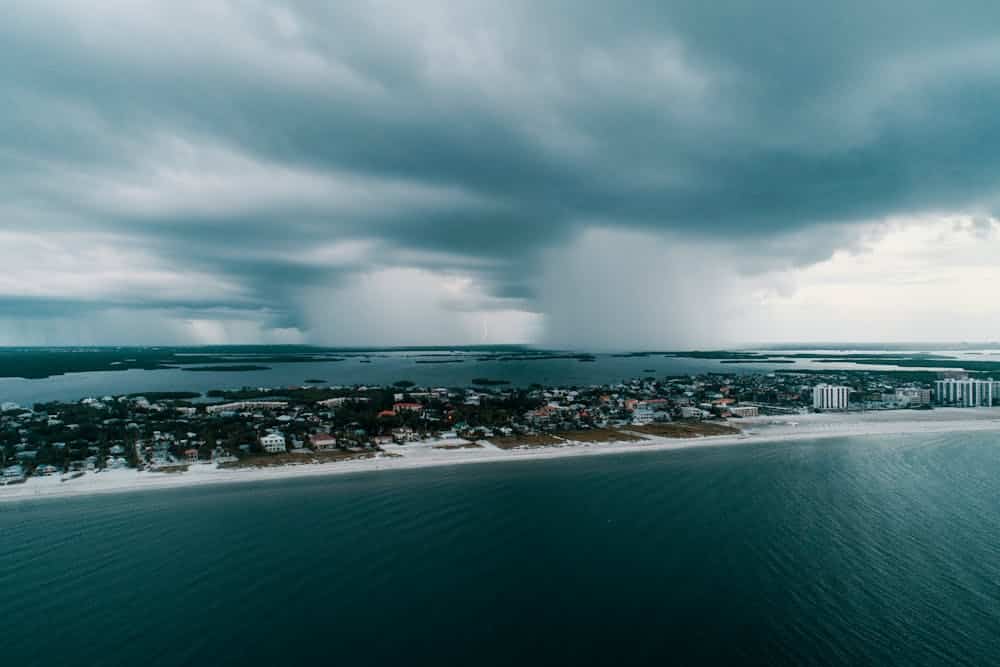
Hurricanes are generally considered "foreseeable weather events" and are not covered by the Extenuating Circumstances Policy if they occur during a region's typical hurricane season. You can see Vrbo's list of hurricane seasons by region here.
However, a hurricane may be covered if it causes a separate covered event, such as a mandatory government evacuation or a prolonged, widespread power outage. In these cases, Vrbo will announce whether refunds are required. Because of this complexity, many hosts recommend that guests purchase travel insurance.
How to manage cancellations in your account
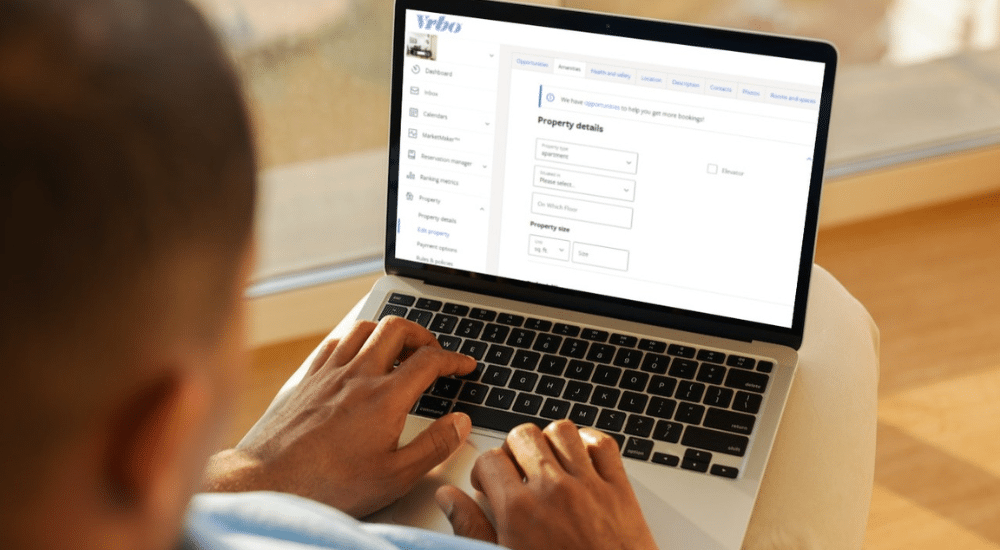
You can easily adjust your policy or manage cancellation requests directly from your Vrbo owner dashboard.
How to change your Vrbo cancellation policy
- Log in to your Vrbo account.
- Select the listing you want to edit.
- Go to Settings, then click Rental Agreement and Cancellation Policy.
- Choose your desired policy from the dropdown menu.
- Click Save.
How to cancel a guest's reservation
Cancelling on a guest should be a last resort, as it negatively impacts your listing's ranking unless you qualify for a cancellation waiver.
- Log in to your account and go to your Inbox.
- Select the guest's conversation.
- Click Cancel booking.
- Choose the reason for the cancellation from the dropdown menu and follow the prompts to confirm.
How to approve a guest cancellation request
- Go to your Inbox and find the guest's cancellation request.
- Click on the message to review the details.
- Click Confirm cancellation. The booking will be cancelled according to your policy, and the appropriate refund will be issued automatically.
Frequently asked questions (FAQ)
Can Vrbo owners choose to offer no refunds?
Yes, hosts can select the No Refund policy. However, if Vrbo activates its Extenuating Circumstances Policy for an event affecting the booking, you will be required to issue a refund.
Who pays the service fee when a booking is cancelled?
If a guest is eligible for a 100% refund, Vrbo refunds its Traveller Service Fee. If the guest receives a partial (50%) refund or no refund, the service fee is not refunded.
Take the next step
A clear and fair cancellation policy is the cornerstone of a successful hosting strategy. Now that you have it set, let's focus on another key element of building trust with guests: reviews.
Read the next chapter to learn How to Get 5-Star Reviews on Vrbo.
Don't see the form to download our rental agreement template? Click here.